AI ALBUM COVER GENERATOR
Generate custom album covers with original artwork
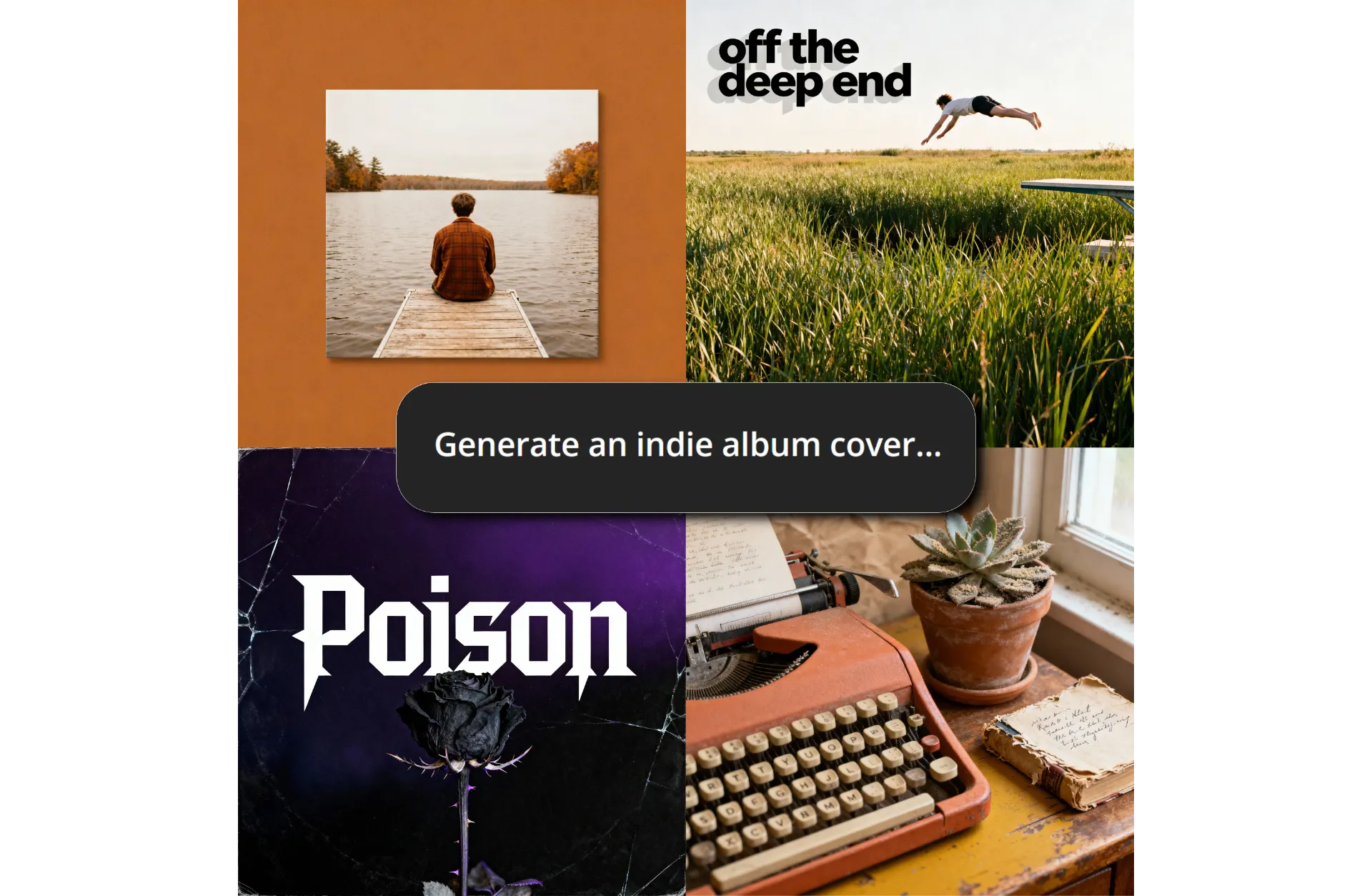


Studio-quality album art you can edit
Turn any idea into an album cover in seconds — customize however you want
Professional album art — no design skills needed
Create unique album cover art in seconds with Kapwing’s AI Album Cover Generator. Simply enter a short prompt and generate images that directly match your music’s genre or style, no matter how niche the genre.
Skip cookie-cutter templates and expensive designers, using AI to create instantly iconic album art that would be impossible to capture with photography alone.
It's free to start, runs completely online, and as easy as entering a prompt.
Instant album cover.
Infinite styles.
Translate your music into custom AI album covers that match your sound’s energy and emotion — something only top designers could do before.
Just describe your genre, mood, or story. Whether it’s 1990s rap, sophisticated jazz, or a Brat-themed mixtape, Kapwing turns ideas into artwork that feels true to your music.
You can also start by uploading a reference image and making it album-cover-certified with text, graphics, shadows, shapes, and detailed AI edits.
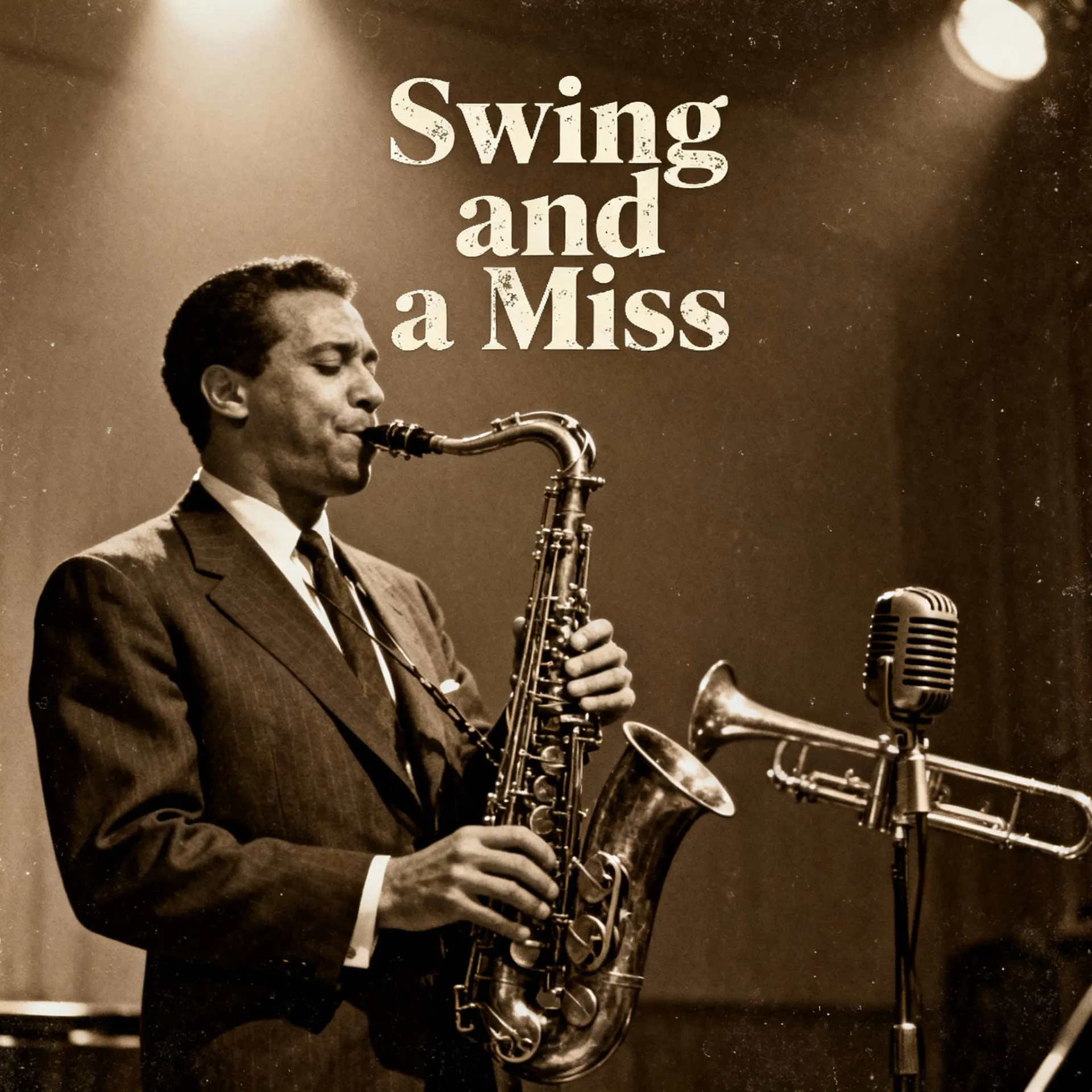
Customizable cover albums and promo content
Extend your album’s reach with visuals sized for every platform. Simply select your desired size output from the aspect ratio dropdown or resize in the editor for Spotify, Instagram, TikTok, Apple Music, Soundcloud, YouTube, and more.
Once generated, edit your image however you want with custom fonts, shapes, additional uploads, parental stickers, and further personalized branding.
You can even animate your cover with AI-powered Image to Video, transforming static art into short promos that capture attention on social feeds and artist websites.
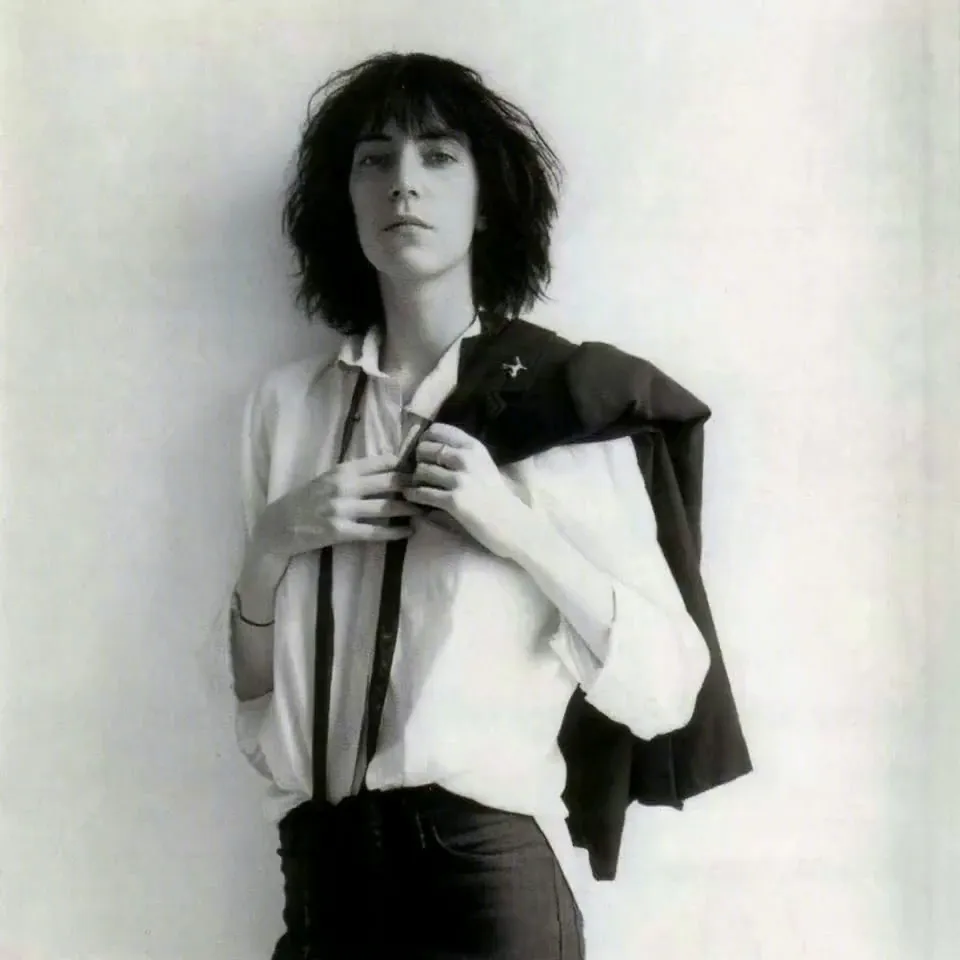
Album artwork matters
Album covers do more than reflect your style — here's how
75%
of listeners say album art influences their perception of music before they hear it (source)
2x
Songs are listened to nearly 2x longer when the album artwork follows clear, structured design principles (source)
9/10
album covers signal their genre through consistent use of color, typography, and layout (source)


How to generate a custom album cover
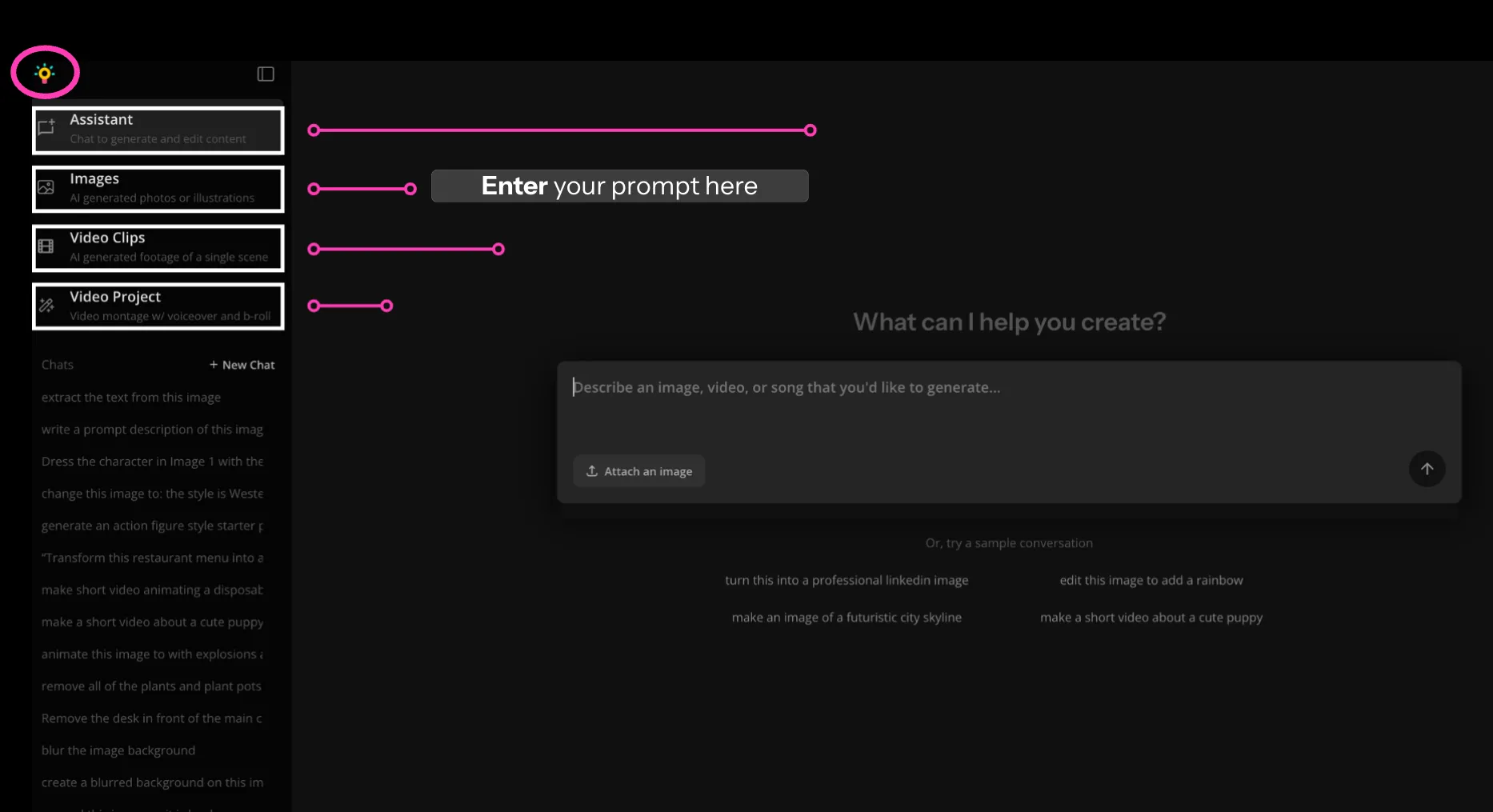
- Open Kai
Start by opening Kapwing's AI Assistant, Kai.
- Enter Prompt
Type your image prompt and hit "Generate." You can regenerate a new album cover at any time to test multiple prompts. We recommend asking for a 1:1 aspect ratio (so your design fits standard album cover dimensions)
- Edit and export
Add your generated image to the project and make edits such as adding text, shapes, or other media uploads. Finally, edit and export.
What's different about Kapwing?



Frequently Asked Questions
Is Kapwing's Album Cover Generator free?
Yes, anyone can try Kapwing's AI Album Cover Generator for free, without a watermark. All our AI tools run on a credit system, with each feature costing a set number of credits. For maximum creativity and the best value, upgrade to a pro account to unlock access to all AI tools with higher generation limits.
Do I own the copyright to the album cover?
Yes, you own the rights to covers created in Kapwing, so you can use them for albums, singles, streaming platforms, or promotional material.
What size should an album cover be?
Album covers should be created using a 1:1 (square) aspect ratio. For greatest level of detail, select the 4096p resolution option when generating with Kapwing's Album Cover Maker.
Can I edit my generated album cover?
Yes. After creating your album cover in Kapwing, you can make manual edits such as adjusting colors, cropping, or adding overlays. For larger changes, you can reopen the AI Image Editor to generate alternate versions.
For details like text and brand logos, it’s best to add these after generating your image. This way, you can freely resize, adjust, and tweak them at any time — and export multiple versions of your cover art while keeping a consistent visual style.
What file formats can I export my album cover in?
You can export album covers in JPG, PNG, or WebP. Pro users also get access to resolution controls, so you can ensure your cover meets the quality requirements for streaming platforms and professional publishing.
Do I need design experience to create an album cover?
No design experience is required. Simply write a text prompt and Kapwing will generate your cover art. If you create multiple versions, they’re all stored in the same feed, making it easy to compare iterations and pick your favorite.
Can I use my own images in the album cover generator?
Yes, you can upload reference images to include real-world elements or guide the AI’s inspiration. Many creators even upload sketches of their ideal composition, helping the generator produce a final design that’s closer to their vision.
Is there a best style for album covers made with AI?
Yes, certain music genres tend to abide by consistent design themes. For covers made using AI, Kapwing's Album Cover Generator is designed to highlight realism and prompt accuracy, so you can design freely without the constraints of outdated, unrealistic image generators.
Are there album cover templates I can use?
Yes, Kapwing has popular templates like the Brat template you can start from, or you can generate completely custom AI album covers.
Can I make Taylor Swift–style album covers?
Yes. You can describe any style you want in your prompt — for example, ‘a Taylor-inspired pop album cover’ — and Kapwing will generate custom artwork.


Kapwing is free to use for teams of any size. We also offer paid plans with additional features, storage, and support.