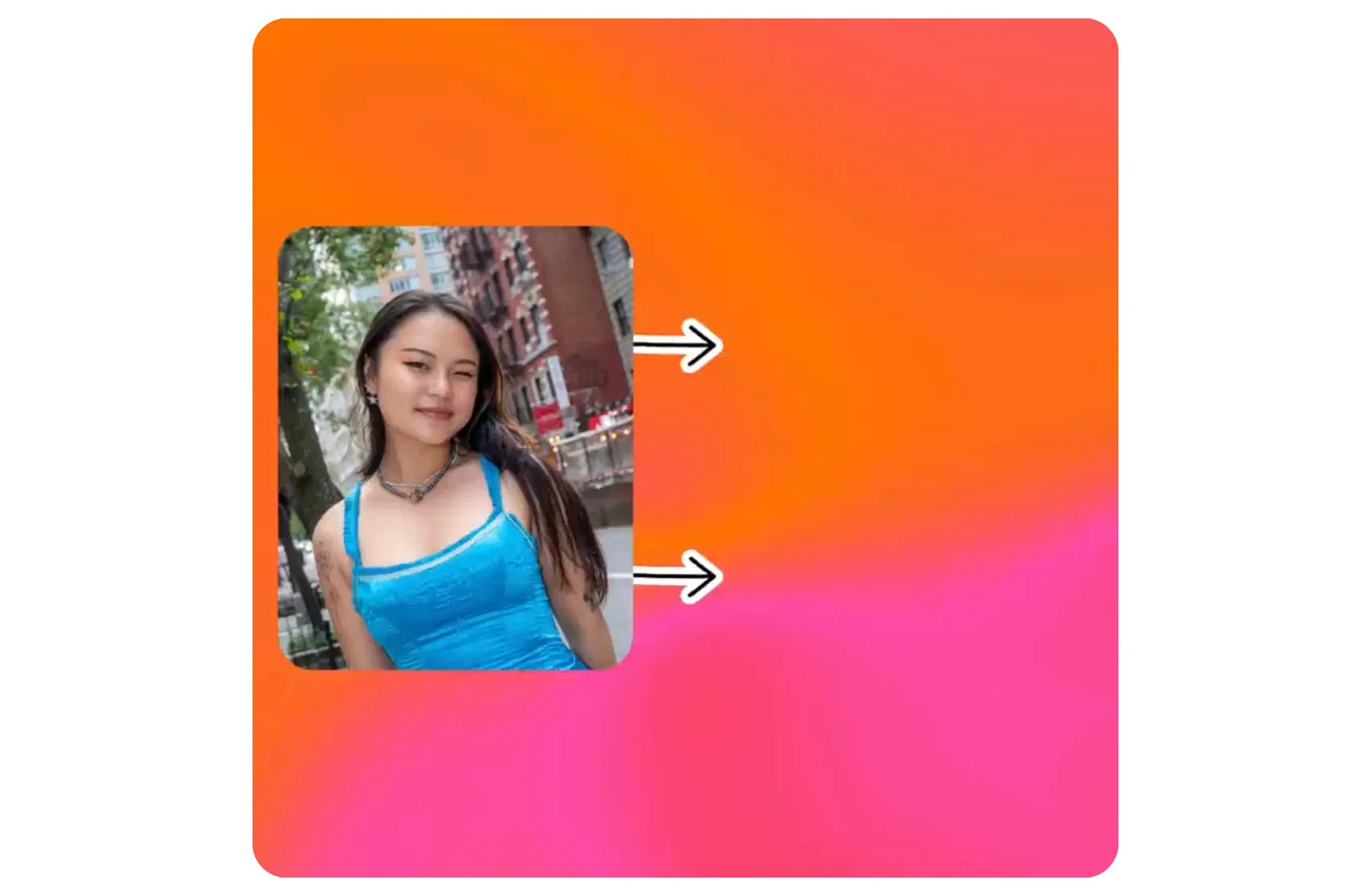


Visualize yourself in any saree style
Recreate Bollywood looks, build couple saree portraits, and more
AI saree portraits in one click
Use Kapwing's AI Saree Generator to join the saree trend and generate lifelike portraits with realistic quality. Simply upload a photo, add one of our optimized prompts at the bottom of this page, or enter a prompt of your choice.
Let AI design a saree for you, or upload a reference image to replicate the style.
Create and customize social-ready saree portraits with realistic fabric textures, from bridal silks to chiffon, and enhance them with text overlays and subtle animations.
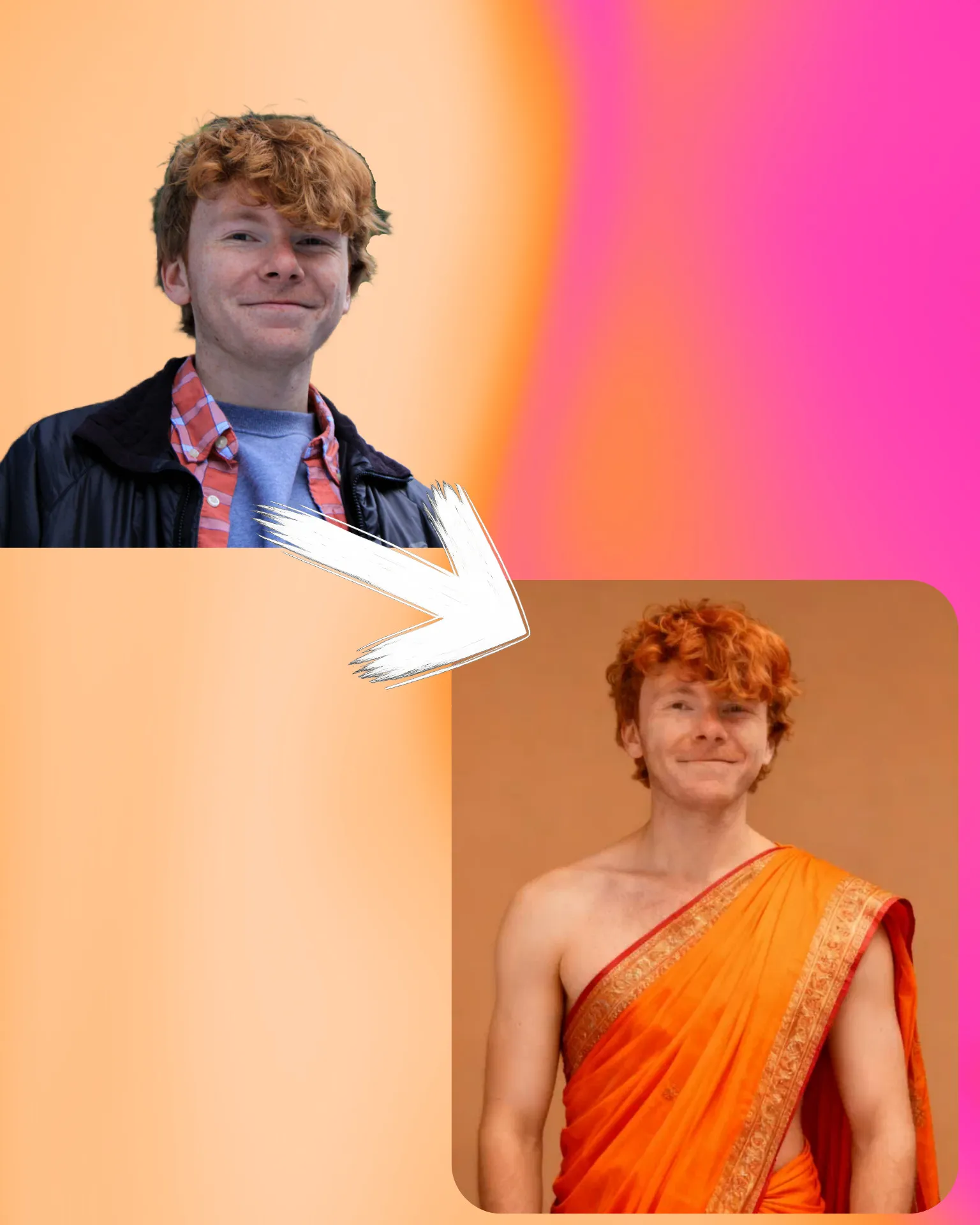
High-quality saree shots from any era
Recreate vintage, elegant styles from any era with the same quality as Google Gemini. Create classic Bollywood-inspired sarees that mirror your favorite looks or design your own.
Adjust details like lighting, accessories, and color to match your mood — all with photorealistic results. Generate, edit, then share directly social media from your browser.

Couple saree portraits
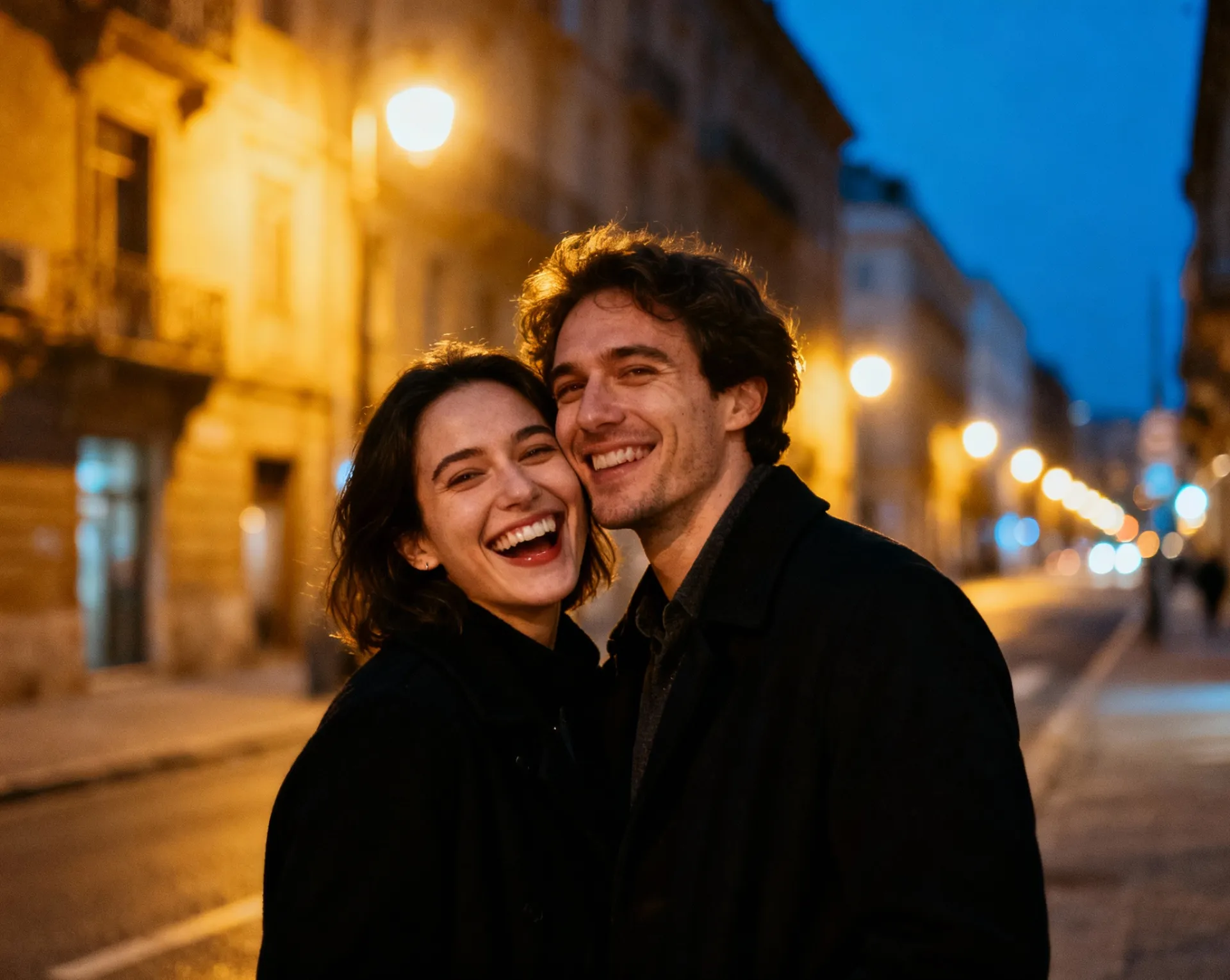
Instantly create lifelike couple images with matching saree outfits. Upload a group photo or realistically combine separate shots and adjust fabrics, colors, poses, and backgrounds however you’d like.
Pose with a partner, friend, or even your favorite celebrity in stunning sarees — no more expensive photoshoot or time-consuming shopping trips.
AI Saree trend prompts
Pair these prompts with your reference image in the AI Saree Generator.
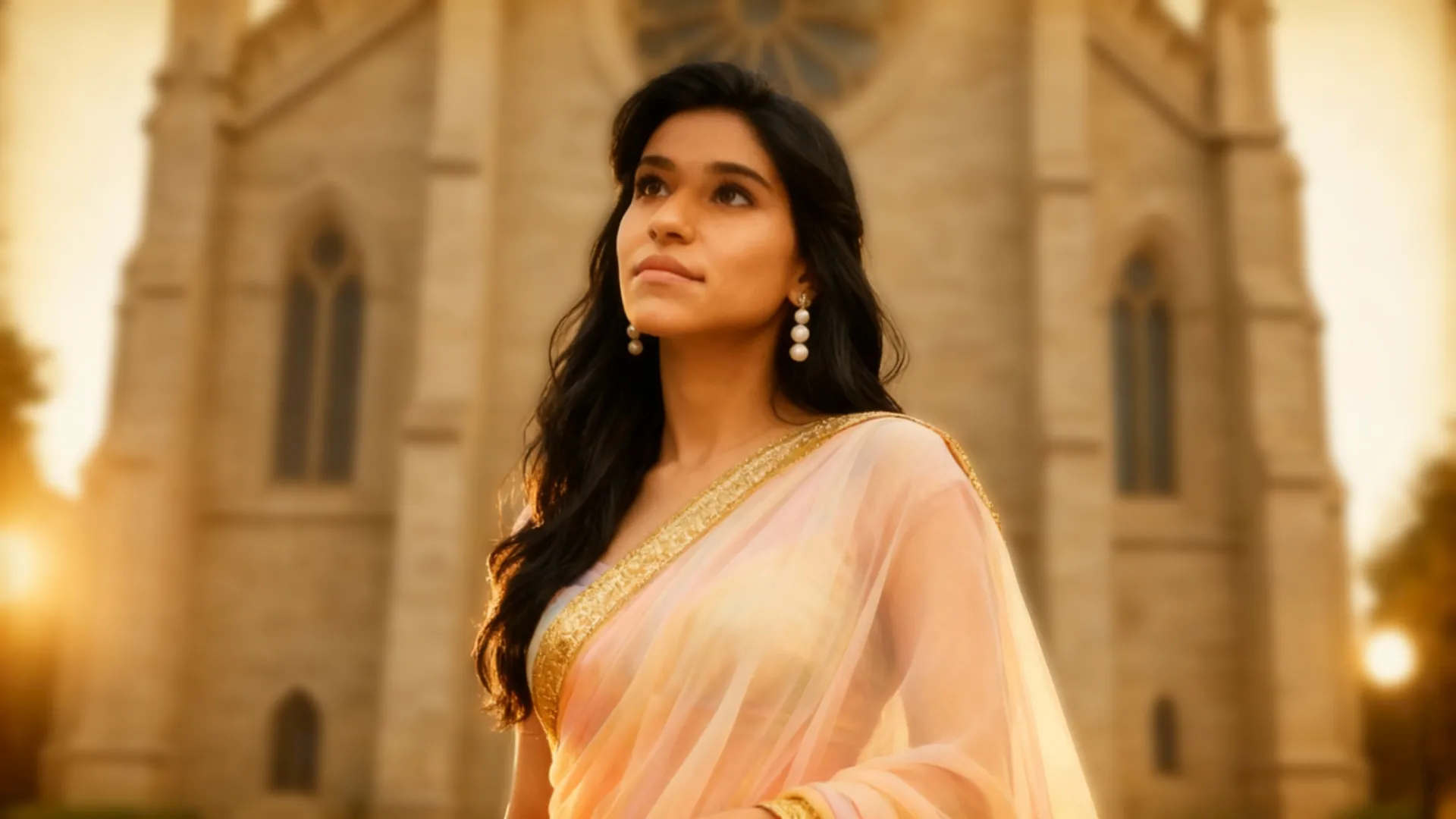
Retro Bollywood Saree
“Convert this photo into a retro Bollywood portrait. Keep the same face, hairstyle, and pose; dress the subject in a pastel chiffon saree with a gold zari border in a neat nivi drape, add pearl/jhumka earrings, warm golden studio lighting, shallow depth of field, and subtle 35mm film grain while preserving natural skin texture.”
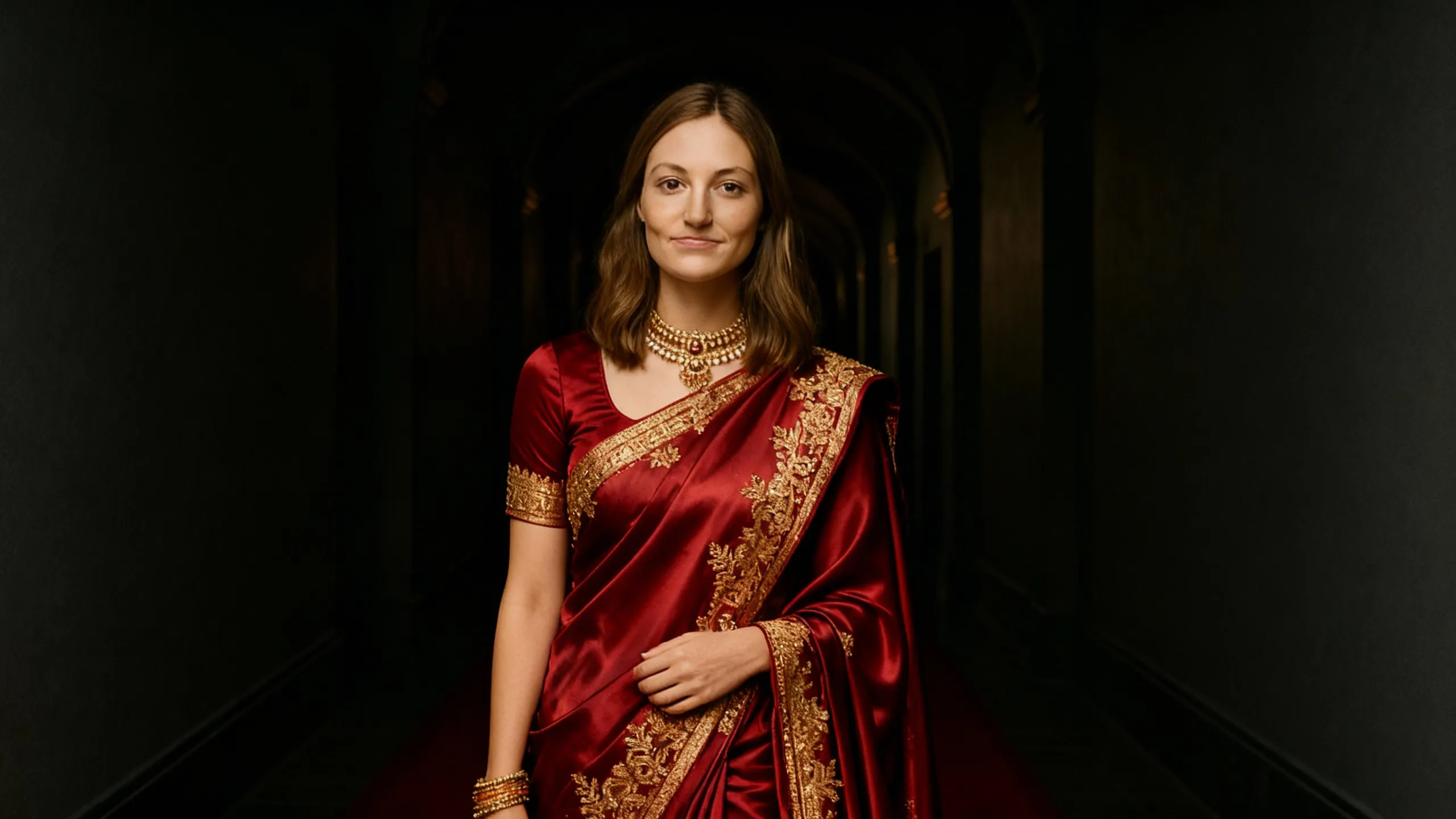
Elegant bridal Saree
“Turn this image into an elegant bridal saree portrait. Keep identity and expression unchanged; style a deep red silk saree with rich gold embroidery, fitted short-sleeve blouse, temple jewelry and a small bindi, realistic fabric sheen and natural folds; use soft cinematic lighting and keep hands and background intact.”
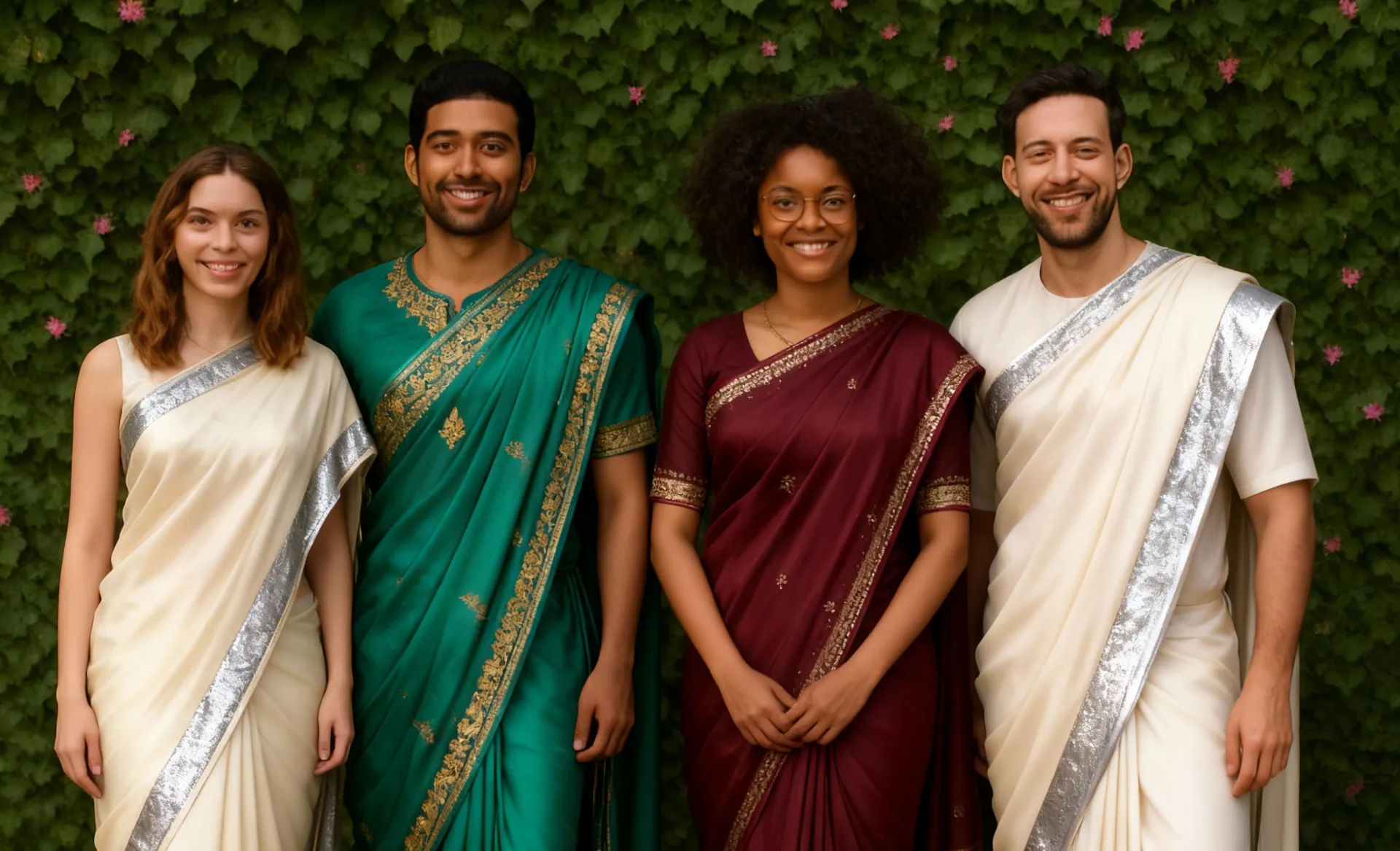
Saree group photo
“Transform this group photo so everyone is wearing coordinated sarees. Keep all faces and hairstyles identical; apply complementary palettes (ivory with silver border, emerald with gold work, maroon with zari), consistent nivi drapes and realistic cloth physics; maintain original positions and heights, match lighting, and add soft background bokeh for a social-media-ready image.”
What's different about Kapwing?



Frequently Asked Questions

Is the AI Saree Generator Free?
Yes, anyone can try Kapwing’s AI Saree Generator for free. Our AI tools run on a credit system, with each feature costing a set number of credits. For maximum creativity and the best value, upgrade to a Pro account to unlock the full power of AI-driven content creation.
What kind of images should I upload?
If you use Kapwing on a Free account, then all exports — including the AI Saree Generator — contain a watermark. Once you upgrade to a Pro account, the watermark is completely removed from your creations.
What is the AI Saree trend?
The AI Saree Trend is a popular online trend where people use image generators to transform their own photos into portraits wearing sarees.
It’s inspired by Bollywood glamour and vintage photography, with many users aiming to create elegant, celebrity-style or royal-looking images. The trend is fueled by prompts like those from Google Gemini Nano Banana, and it’s often shared on Instagram, TikTok, and other platforms for fun, fan edits, and social engagement.
How to do the Gemini AI Saree trend
Here is the easiest way to do the AI Saree trend: Open Kapwing’s AI Toolkit and select Images. Click Add Images to upload your photo, then choose the Seedream 4 model for the best results. Enter this Saree prompt:
Convert this photo into a portrait of the same person wearing a saree. Keep the face identical and natural. Add realistic draping, detailed fabric textures, and soft lighting for a photorealistic finish.
Customize the prompt however you’d like by changing the fabric, color, or jewelry, then click Generate Image. From there, you can download your generation, make further edits, or post directly to platforms like TikTok.
Can I edit Saree images after I generate them?
Here is the easiest way to do the AI Saree trend: Open Kapwing’s AI Assistant, Kai. Click Add Images to upload your photo, then choose the Seedream 4 model for the best results. Enter this Saree prompt:
Convert this photo into a portrait of the same person wearing a saree. Keep the face identical and natural. Add realistic draping, detailed fabric textures, and soft lighting for a photorealistic finish.
Customize the prompt however you’d like by changing the fabric, color, or jewelry, then click Generate Image. From there, you can download your generation, make further edits, or post directly to platforms like TikTok.
Can I generate saree styles for girls?
Yes, you can generate saree images for girls using Kapwing’s AI Saree Generator. Upload a photo and try prompts like bridal silks, chiffon sarees, or Bollywood-inspired outfits. The AI handles fabric draping and textures automatically, so you can create styles that look realistic and social-media ready.


Kapwing is free to use for teams of any size. We also offer paid plans with additional features, storage, and support.