PHOTO BACKGROUND CHANGER
Upload any photo — instantly change the background
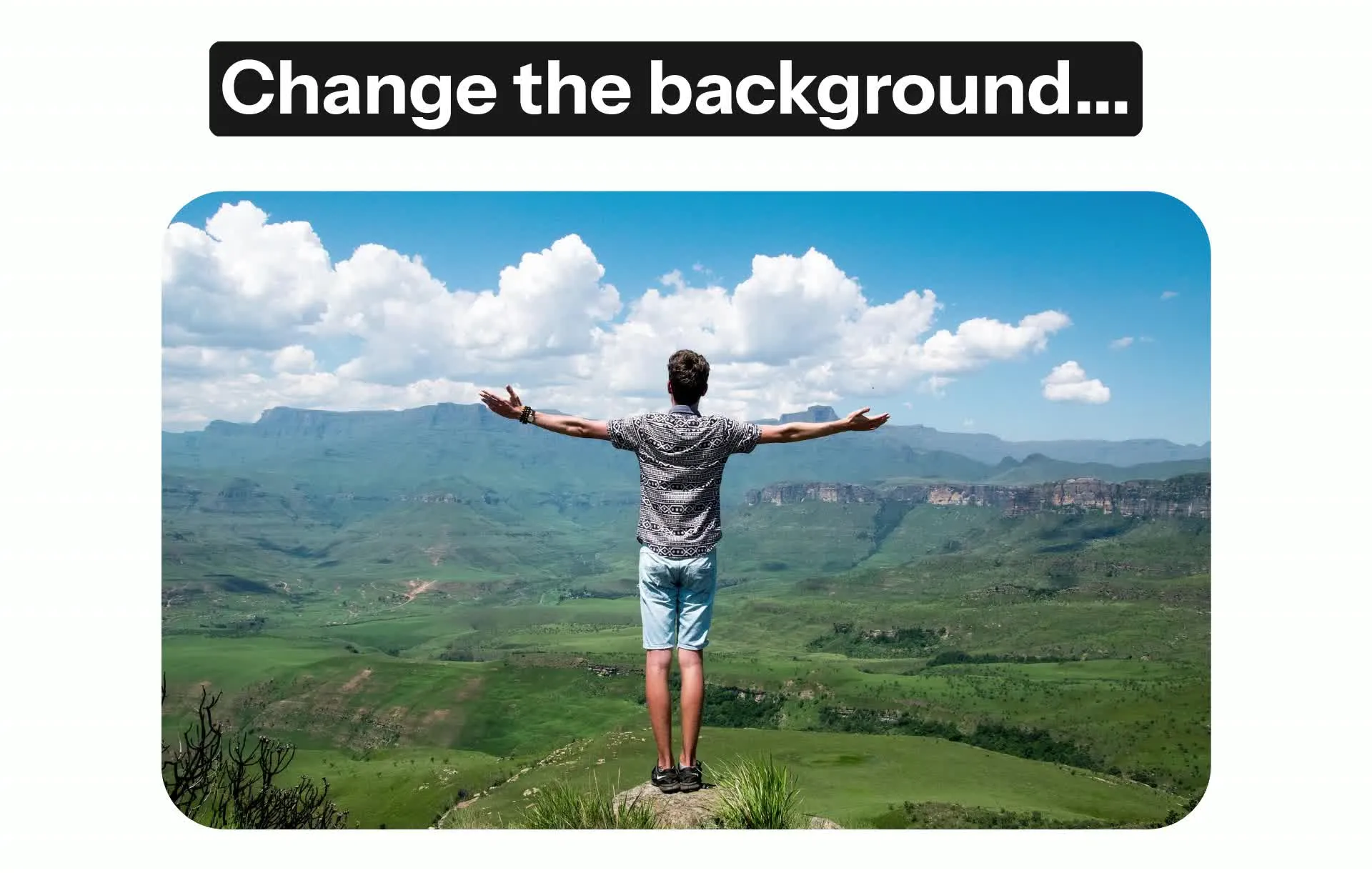


Instantly change your background with AI
Refresh, redesign, or repurpose any photo in seconds
Realistic background replacement — no tedious editing
Use Kapwing's Photo Background Changer to instantly replace any image background without losing quality. Just chat with Kai, Kapwing’s AI assistant, and skip hours of tedious masking and manual editing.
Powered by intelligent AI inpainting, Kai can realistically place subjects into any background with smart subject detection and automatic lighting adjustments.
Upload a real photo or describe something entirely new to have your foreground and background blended seamlessly — all from a single prompt.
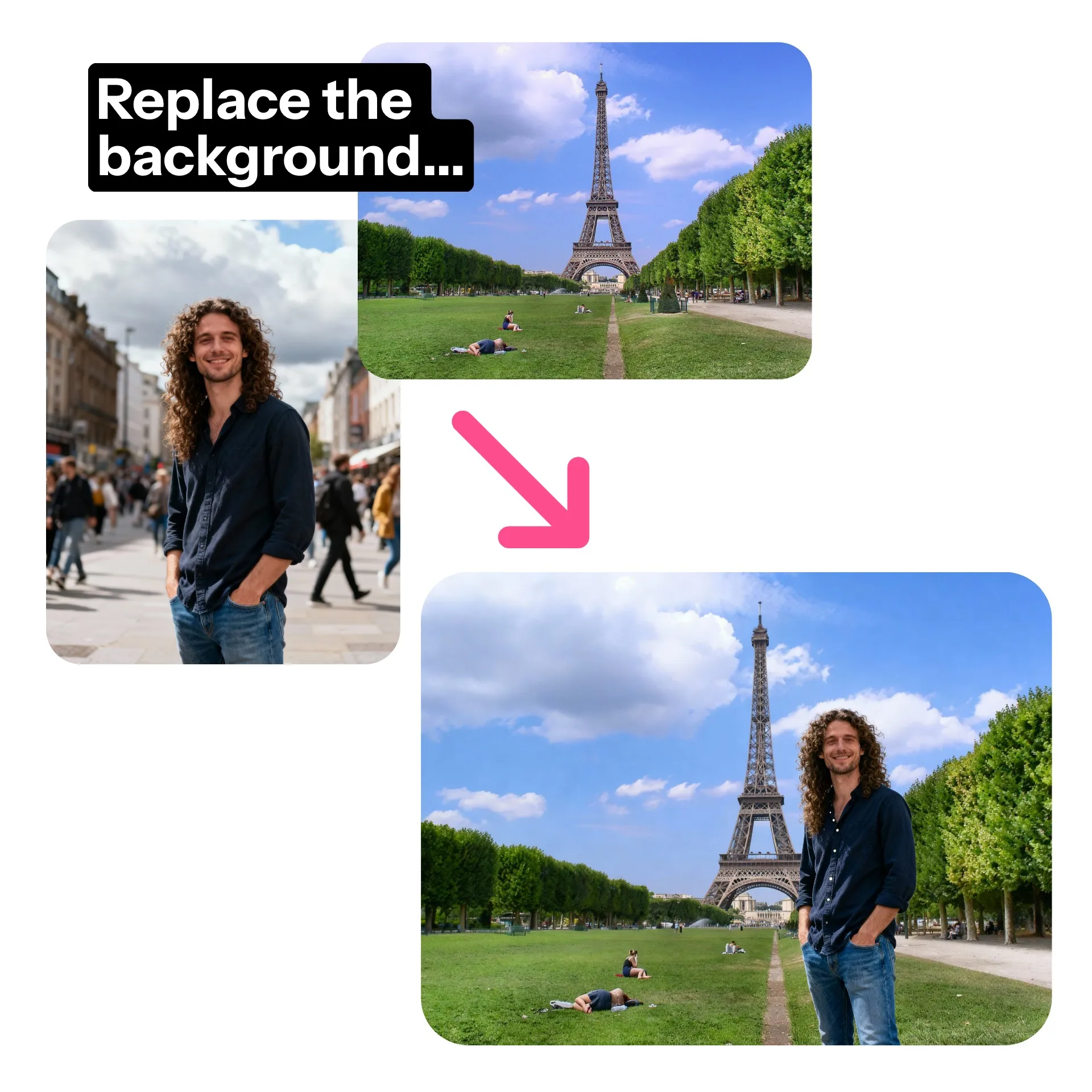
High-quality, consistent visuals — no photoshoot needed
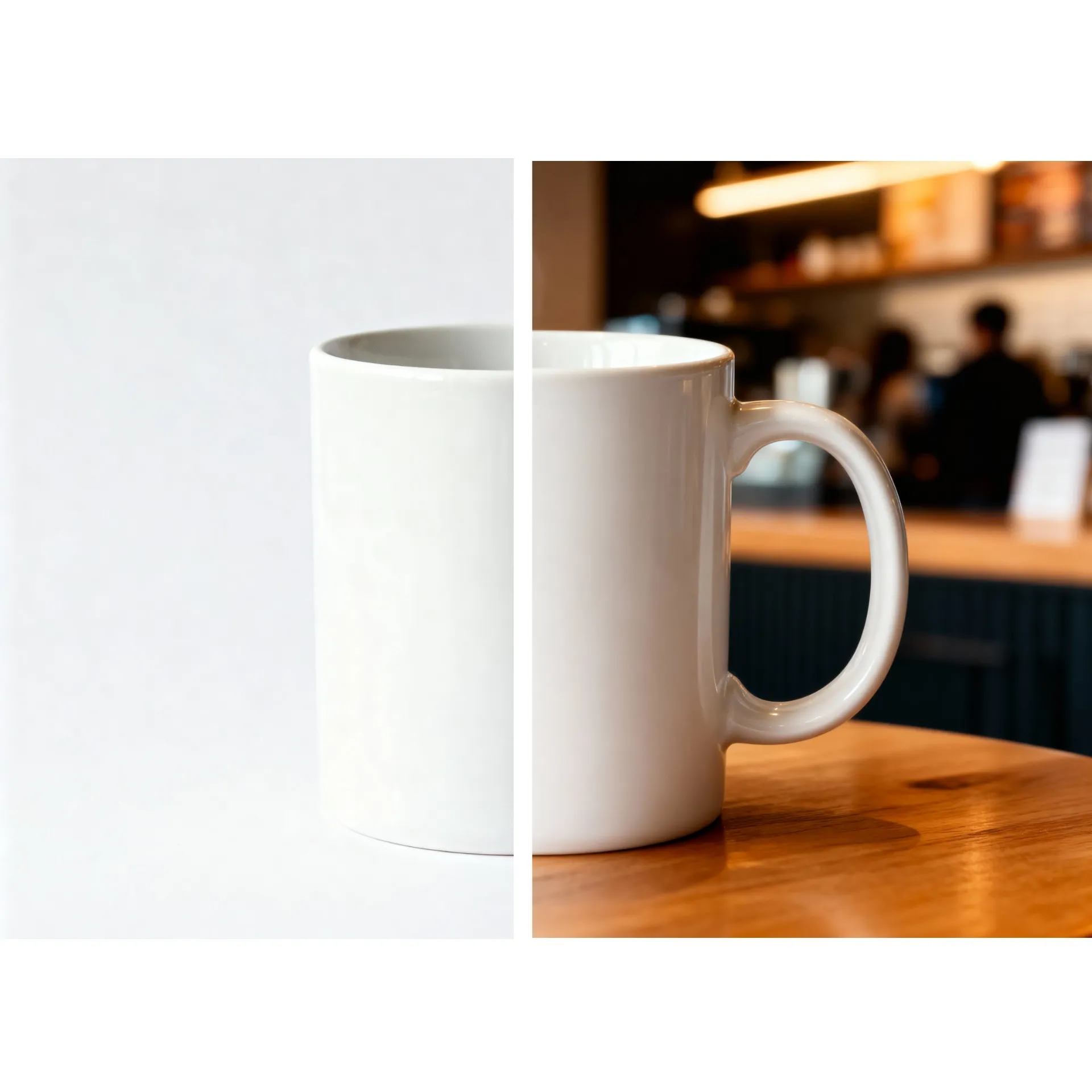
Designed for small business owners, marketers, and creators, Kapwing's AI background changer produces studio-quality product photos or matching company headshots — you'll never have to pay for a photoshoot again.
Scale up image production with a Custom Kai that applies the same edits and backgrounds across all your photos. Easily refresh social media or website content, collaborate with your team in real time, and save your best visuals to the Brand Kit for future projects.
Changing backgrounds across multiple images and projects has never been easier.
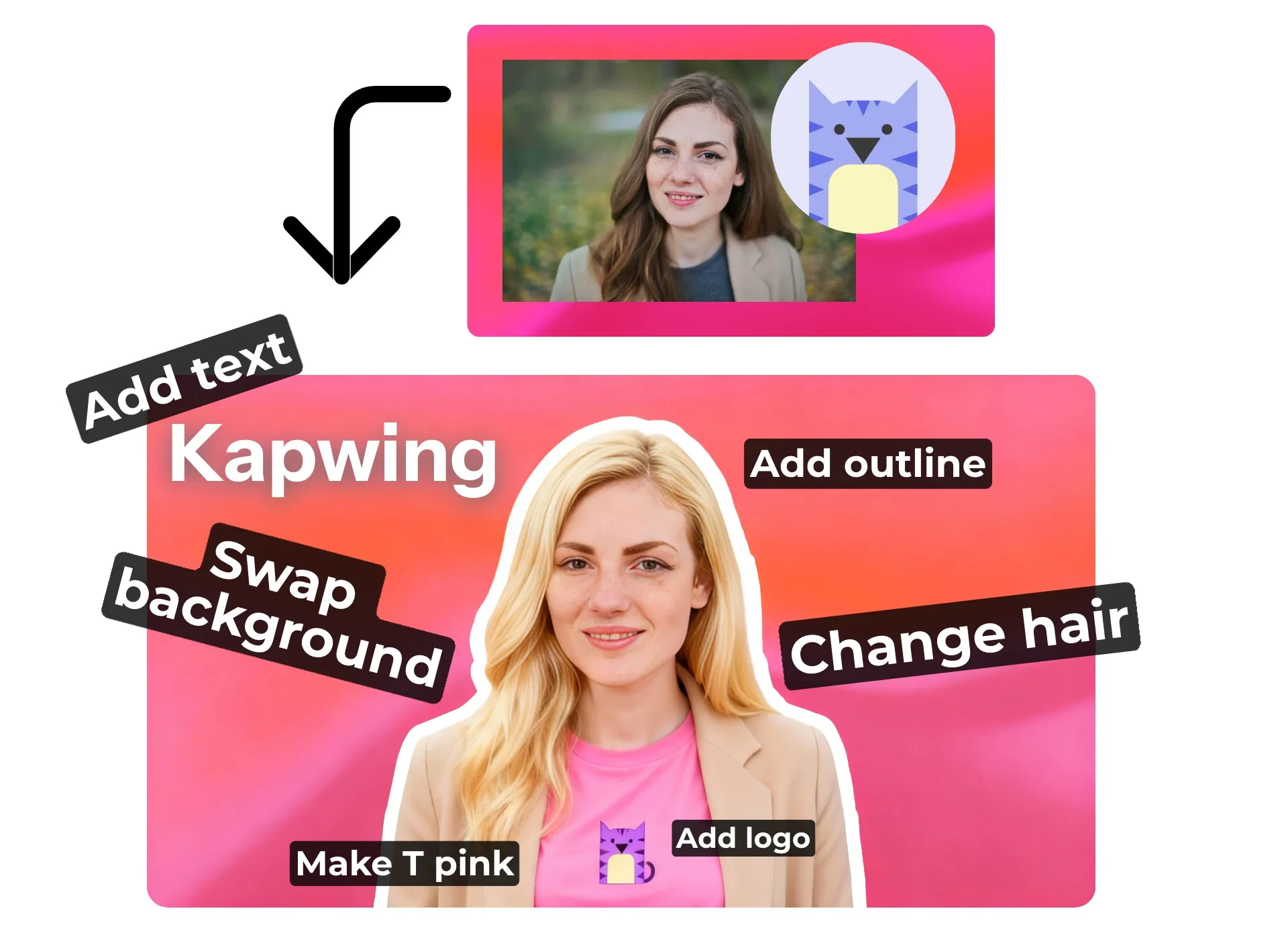
All your photo edits — in one place
Combine photo editing and background changes in one seamless workflow. Modify picture backgrounds, change outfits, remove unwanted objects or watermarks, and fine-tune lighting — all with simple conversational prompts.
When you’re ready to refine your image even further, open it in Kapwing’s studio to add text, adjust layout and framing, apply Safe Zones, and finish your design with full creative control.
Built for all your projects and creative ideas
Put your subject into any scene with realistic AI blending
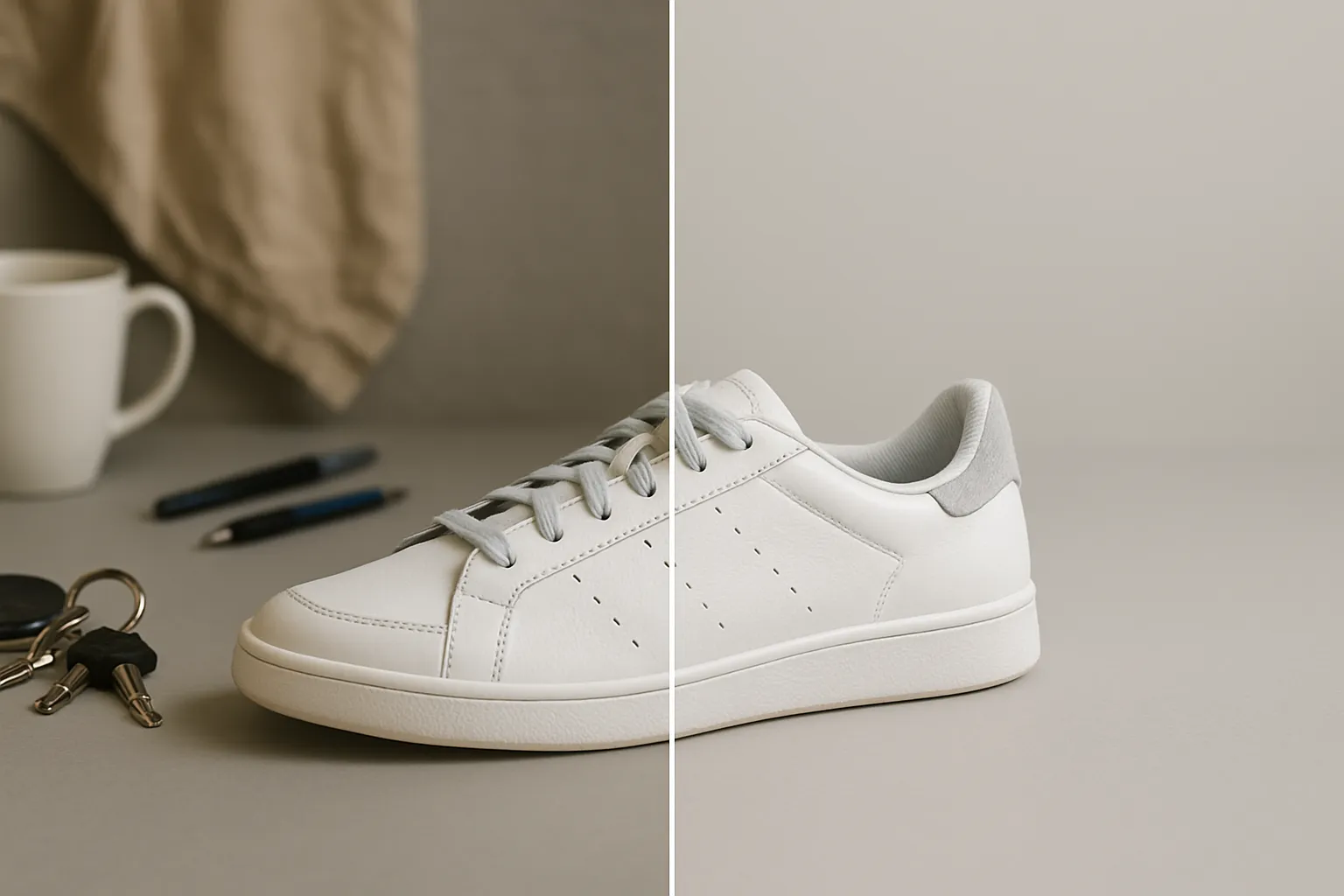
Product Photos
Captivate your customer base by adding appealing, polished backgrounds to product photos

Social Content
Social media managers repurpose or improve social content with Kapwing's AI background changer

Professional Headshots
Professionals and job-seekers use the Photo Background Changer to refresh or repurpose existing headshots
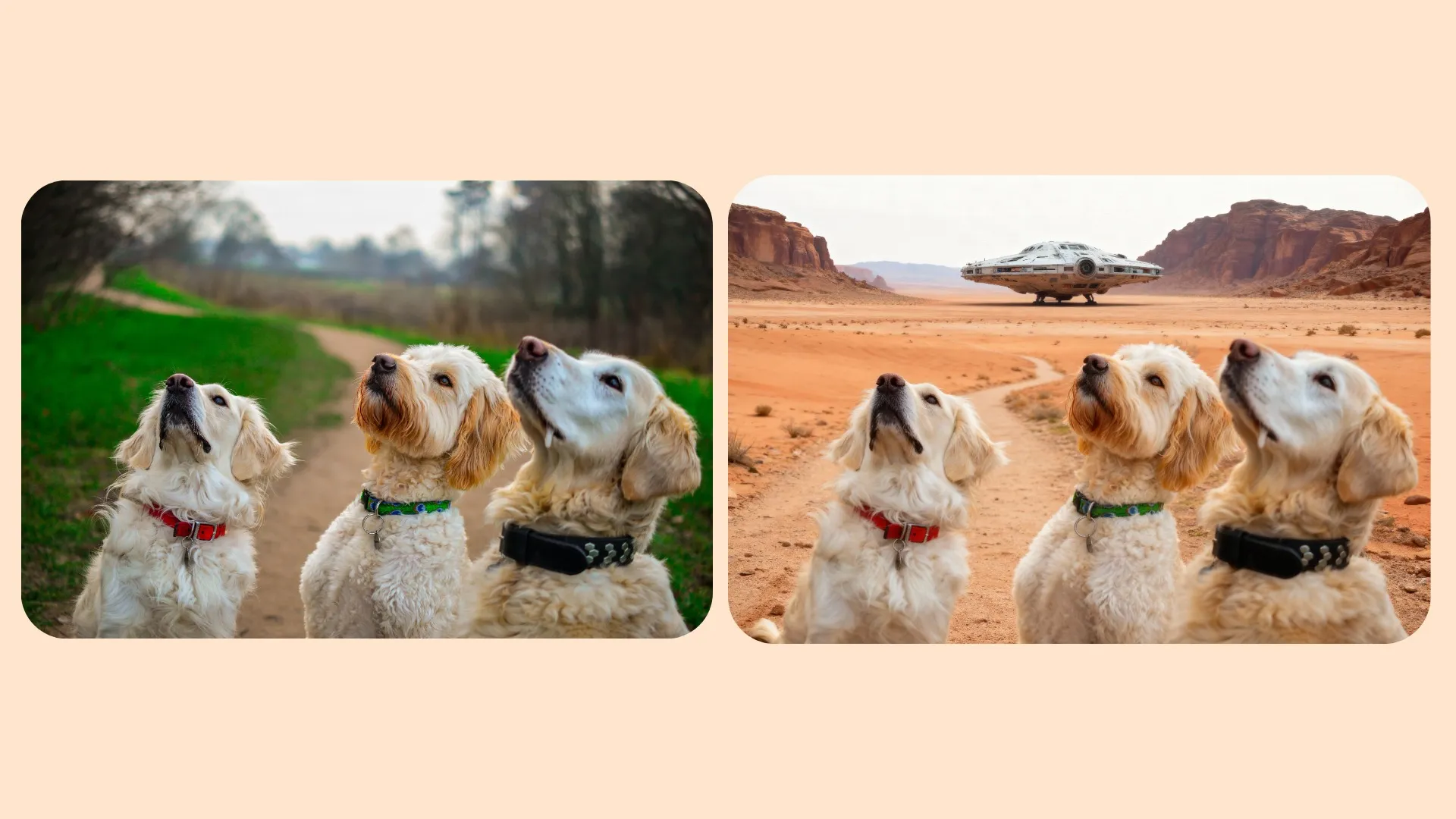
Creative Fun
Turn any photo into a hilarious or jaw-dropping scene with Kapwing's image change background tool
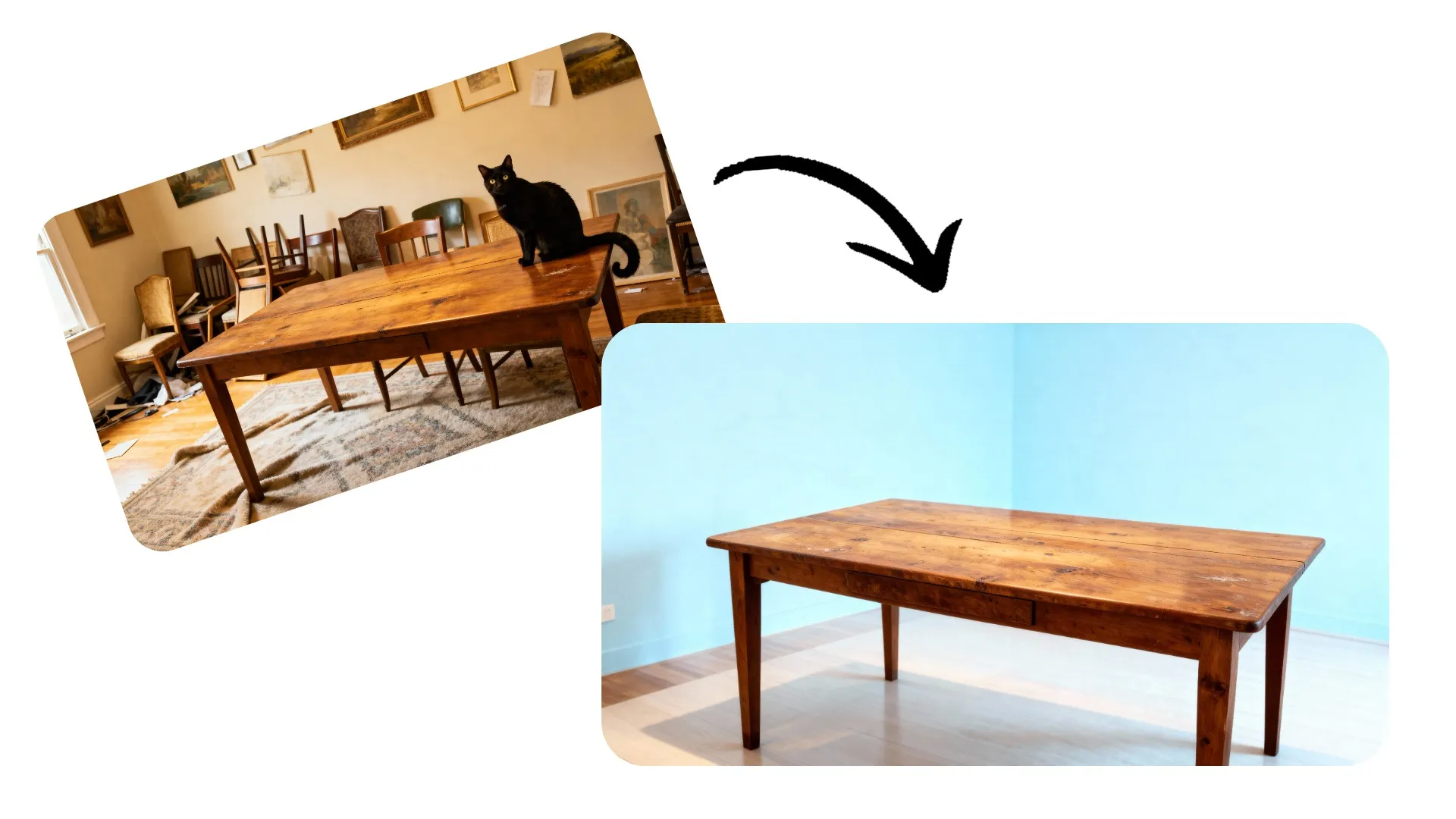
Marketplace Listings
Replace messy or unprofessional backgrounds for polished, sales-ready marketplace listings
How to Change the Background in Photos
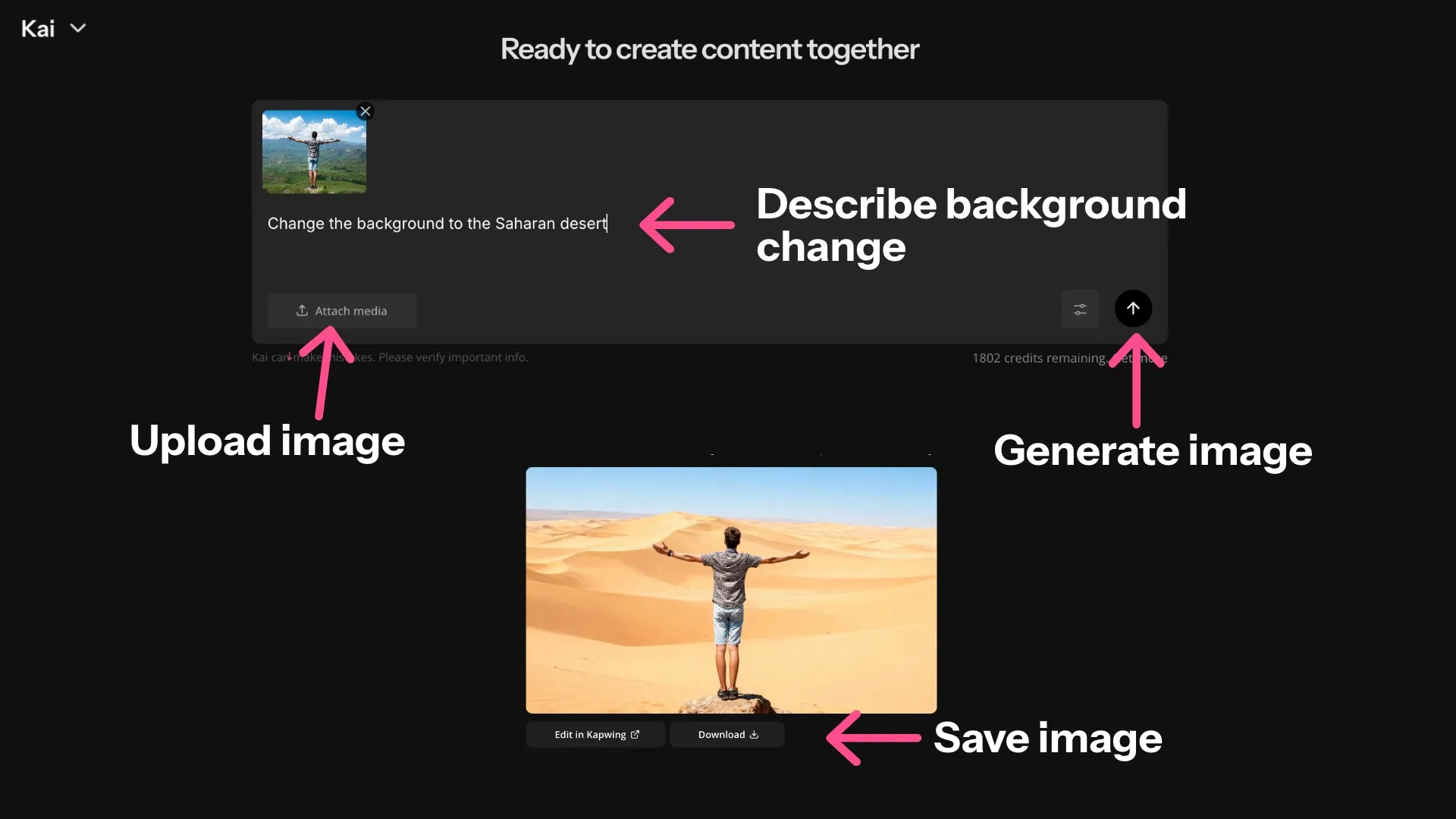
- Upload Image
Open the Kai studio and create a new chat. Then Click "Attach media" to upload the image of your subjects. Optionally, upload a background image.
- Enter Prompt
Enter a simple prompt like Change picture background to a tropical beach. Describe your new background in as much detail as possible. Then click the arrow icon to replace your image background.
- Save Image
Click "Download" to save your image with the changed background. Or click "Edit in Kapwing" to move it to the full editing studio.


Frequently Asked Questions

Is the Photo Background Changer free?
Yes, anyone can try Kapwing’s AI Toolkit for free, without watermarks. Our AI tools run on a credit system, with each feature costing a set number of credits. For maximum creativity and the best value, upgrade to a Pro account to unlock the full power of AI-driven content creation.
How to change photo backgrounds with Kapwing
To change the background in a photo, just upload your image and enter a prompt describing the background you want to generate. For example, Replace the background in this image with a realistic sky full of puffy white clouds.
You can modify the picture background and other elements by adding additional prompts. Specify the aspect ratio, adjust framing, change what you're standing on, or improve the lighting.
How should I write my prompt for the best results?
Kapwing's AI background changer has built-in prompt enhancement, so it works with simple prompts like Change the background to the Saharan desert. For more finely tuned results, write an advanced image prompt describing your new background and where the subjects will be positioned in it.
Can I edit the image after I change the background?
Absolutely, Kapwing offers an extensive range of photo editing and background change tools. By chatting with Kai, you can modify picture backgrounds as well as elements within the picture, including your outfit, hairstyle, framing, lighting, and even posing. Edit photo backgrounds with Kai, then move to Kapwing's editing studio to use the free online photo editing tools.
Can I add a background to a picture?
Yes, you can easily add a background to photos with Kapwing's background replacer. Whether your image currently has a transparent, plain, or messy background, you can swap in a new one with a simple prompt. You can also extend an image background by requesting a new aspect ratio.
Does Kapwing's Photo Background Changer work on mobile?
Yes, you use Kapwing's Photo Background Changer on your phone or tablet (including iPhones and Androids) by opening a new chat in Kai on your mobile browser. After that, the process is the same: upload your image, enter a prompt requesting a new background, and download your updated image in high resolution.
Can I make an image background transparent?
Yes, Kapwing features an easy AI-powered way to make an image background transparent. In Kapwing's editing studio, you can use the free one-click Transparent Background Maker. Just select your image and click Erase (Remove background) in the AI Tools section.


What's different about Kapwing?



Kapwing is free to use for teams of any size. We also offer paid plans with additional features, storage, and support.