JPG TO PNG
Upload JPG.
Convert to PNG for free.
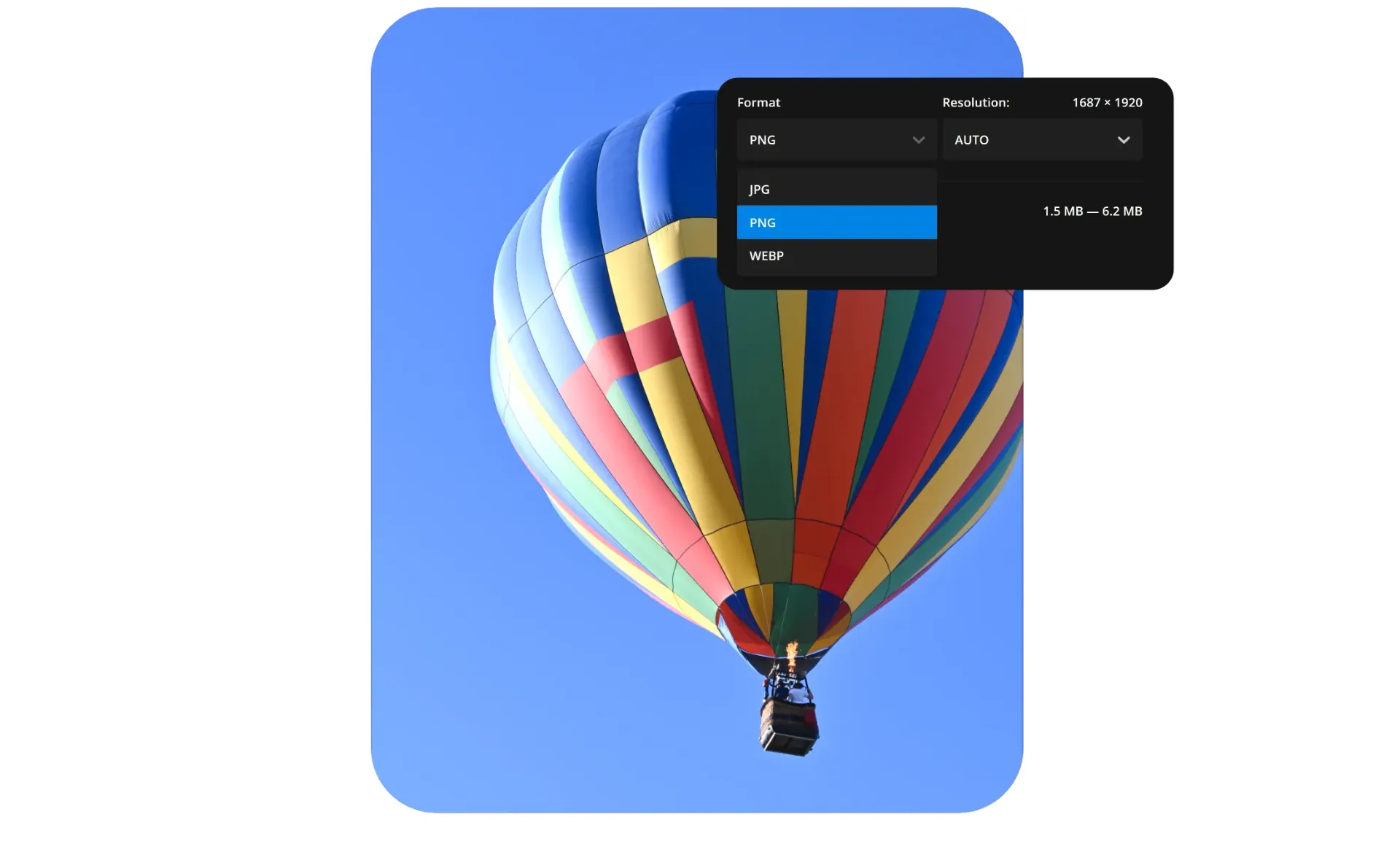


Convert JPG to PNG — keep quality, add transparency
Fast. Online. Free.
Great for graphics, logos, and thumbnails
Unlock the power of transparent backgrounds by converting JPG images to PNG and quickly create logos, icons, thumbnails, illustrations, and layered graphics inside Kapwing's drag-and-drop image editor. You can even blur, crop, resize, adjust colors, add text, or create GIFs and collages.
.webp)
Every image stay sharp and clear
PNG files use lossless compression, meaning every detail is preserved when compressing the file. This results in sharp, professional-quality images to use online, where loading speed and visual clarity matter.
Convert in bulk, download immediately, or share straight to your social channels without ever leaving the editor.
Whether you’re creating a newsletter, building a webpage, or editing on mobile, Kapwing makes it simple to process multiple batches of images and keep them looking their best.
Versatile and widely supported online
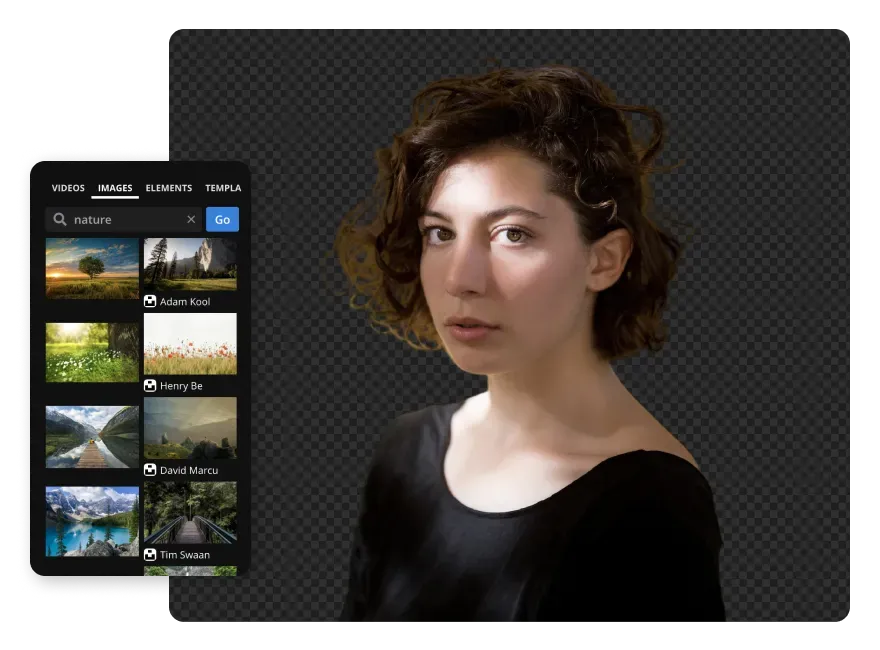
Compatible with all major platforms, PNGs are trusted by marketers and creators for social media, websites, presentations, and professional design projects in every aspect ratio.
From YouTube thumbnails to brand logos for digital and print, the online converter generates lightweight files for seamless integration into design tools or CMS platforms. Create, edit, and store PNGs from any device — no software or app downloads needed.



Free, online JPG to PNG converter
Millions of users trust Kapwing, from graphic designers to printing companies

Print Designs
Convert JPGs for business cards, brochures, and merchandise. PNG transparency ensures designs blend naturally with paper, fabric, or packaging
Social & YouTube
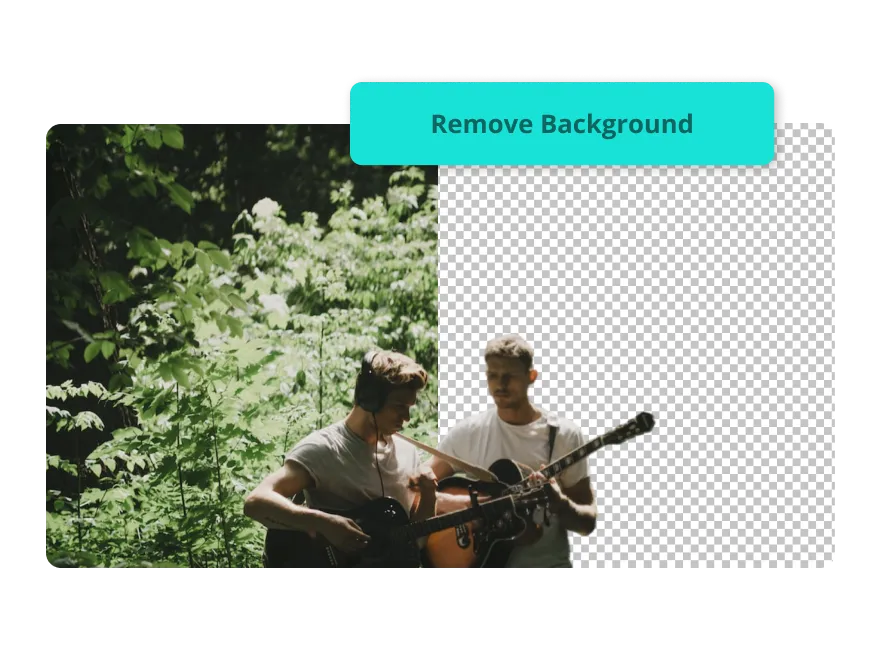
Transform JPGs into PNGs for social media posts, thumbnails, overlays, and streaming visuals. Transparent backgrounds and sharp edges make layering clean and seamless

Product Photos
Online stores use PNGs for clear product cutouts, promotional graphics, and marketplace listings. Transparency ensures items look natural against any background.
Logos & Icons
Convert JPG to PNG to create logos, icons, and interface elements with transparent backgrounds. PNG’s lossless compression keeps designs crisp and professional across all uses.

Signatures & Watermarks
Create PNG watermarks and signatures, ready to overlay on images, documents, or marketing materials without blocking backgrounds or disrupting your visual design

Educational Visuals
Teachers and students benefit from PNG’s flexibility, allowing easy editing, resizing, and clear display of presentations, infographics, and assignments

Memes & Templates
Meme templates work best as PNGs, allowing quick text overlays and custom designs that are easy to edit and share
How to Convert JPG to PNG
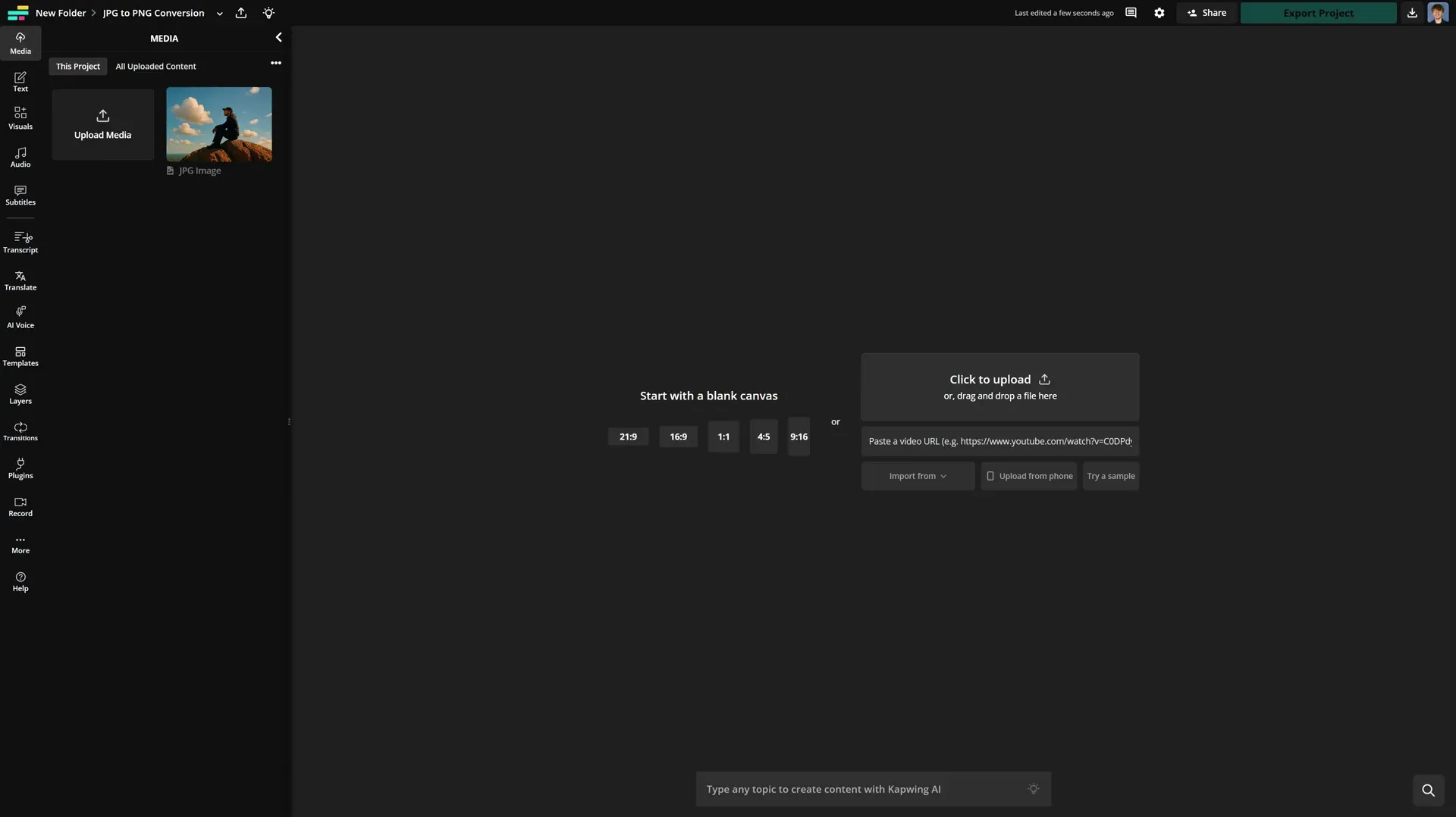
- Upload JPG
Upload your JPG file(s) to the editor and add to your canvas.
- Edit Image
Optionally, you can perform a range of edits, such as making your image background transparent.
- Export as PNG
Select the PNG option from the top right-hand menu when exporting to complete your image conversion.
What's different about Kapwing?



Frequently Asked Questions

Is the JPG to PNG converter free?
Yes, the JPG to PNG converter is free for all users.
Is there a watermark on exports?
Under the free plan, exported projects include a stationary watermark. Upgrading to a Pro account removes the watermark from all exports. Pro accounts also gain access to higher video resolution, unlimited cloud storage, and more.
What is the difference between JPG and PNG?
JPG files use lossy compression, which reduces file size but can slightly lower image quality. This makes JPG ideal for photos, online content, and situations where fast loading times and smaller file sizes are important.
PNG files use lossless compression, preserving every pixel of detail even after multiple edits and saves. PNG also supports transparent backgrounds, making it the preferred choice for logos, icons, and graphics that need to maintain quality or be layered on different backgrounds.
Does JPG support transparent backgrounds?
No, JPG files do not support transparent backgrounds. Converting to PNG is required to maintain a transparent image background.
Does PNG support transparent backgrounds?
Yes, PNG files support transparent backgrounds, making them ideal for logos, icons, thumbnails, and layered graphics.
How do I remove the background from my image?
Use the automatic background remover to quickly remove the background from a PNG image. You can then set it to a different color or leave it transparent.
Does converting JPG to PNG reduce image quality?
Kapwing’s converter is designed to preserve image quality when converting JPG to PNG. Because PNG uses lossless compression, the converted image will not lose additional detail during the process. For JPGs with existing artifacts, use the AI image enhancer to automatically increase the quality of the image before exporting.
What image files does Kapwing support?
Kapwing supports uploading popular image formats, including JPG/JPEG, PNG, GIF, WebP, and HEIC. After editing, you can export your project as a JPG, PNG, or WebP file directly online.
Does PNG support animation?
No, PNG, like JPG, is a static image format and does not support animation. If you need animated graphics, use Kapwing’s GIF file format instead.
How to convert JPG to PNG on mobile
On mobile devices such as iPhone and Android, upload your JPG file to the Kapwing editor, make your edits, then tap "Export" in the top toolbar to save it as a PNG.


Kapwing is free to use for teams of any size. We also offer paid plans with additional features, storage, and support.