PNG to JPG
Upload PNG.
Convert to JPG for free.
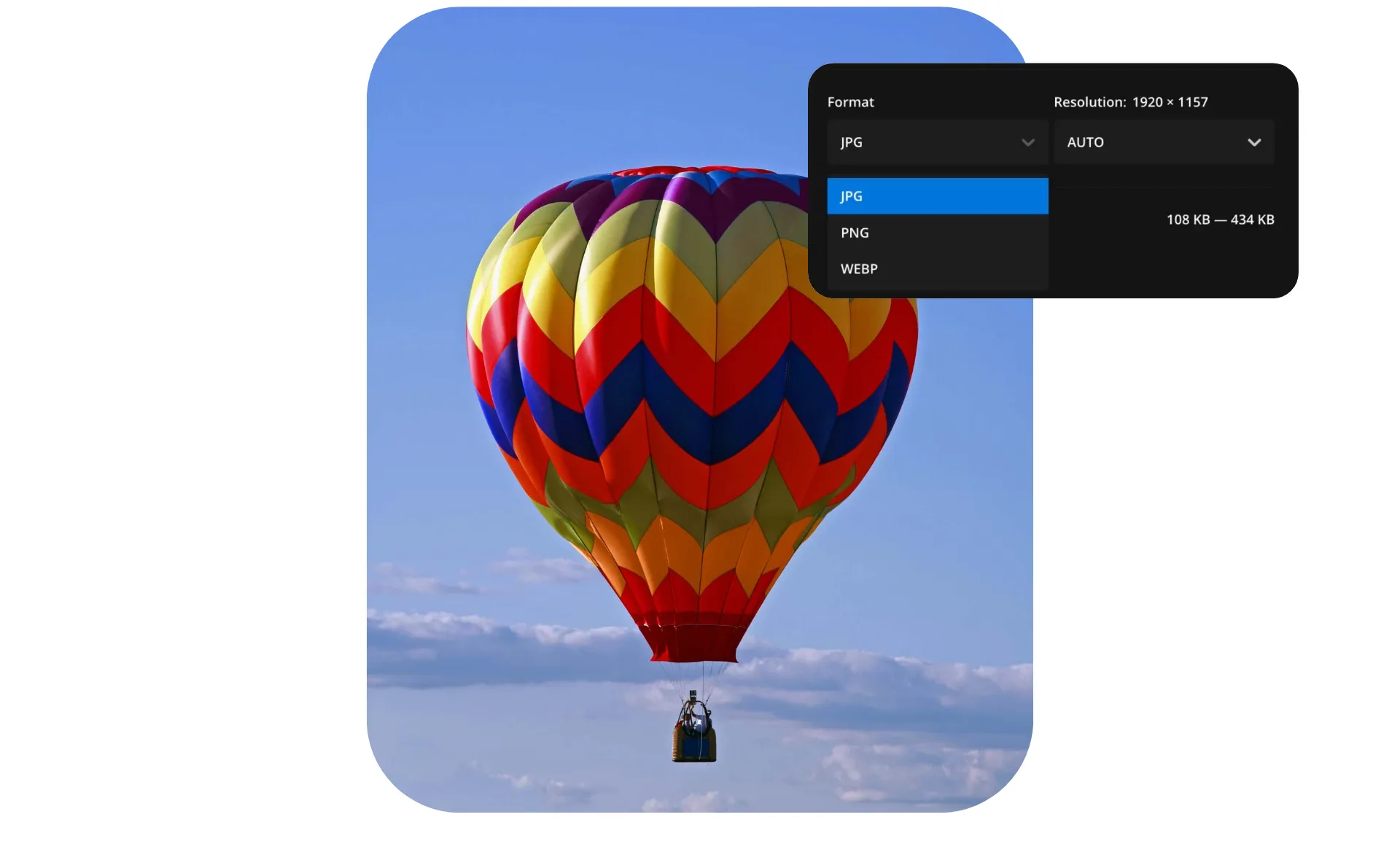


PNG to JPG — smaller files, same quality
Reduce file size and keep resolution with JPG conversion
Convert for smaller, easier file sharing
Converting PNG to JPG reduces file size while maintaining the high resolution needed for professional websites, designs, and email campaigns.
As the most universally compatible image format, JPGs work with virtually all editors, apps, and devices. From tech-savvy teams to grandparents on email, JPGs are the best choice for seamless sharing and uploading.
With Kapwing, you can convert images in seconds from any device — no downloads or sign-up required. Upload, edit, and save with unlimited cloud storage, batch conversion, and an intuitive drag-and-drop interface that speeds up your workflow.
Convert for faster websites and better performance
Converting PNG images to JPG helps your website load faster by reducing image file sizes, an essential for product photos, blog visuals, and marketing assets across all screen sizes.
Faster-loading visuals mean improved user experience and fewer bounces. Simple.
Convert for photos, gradients, and color detail
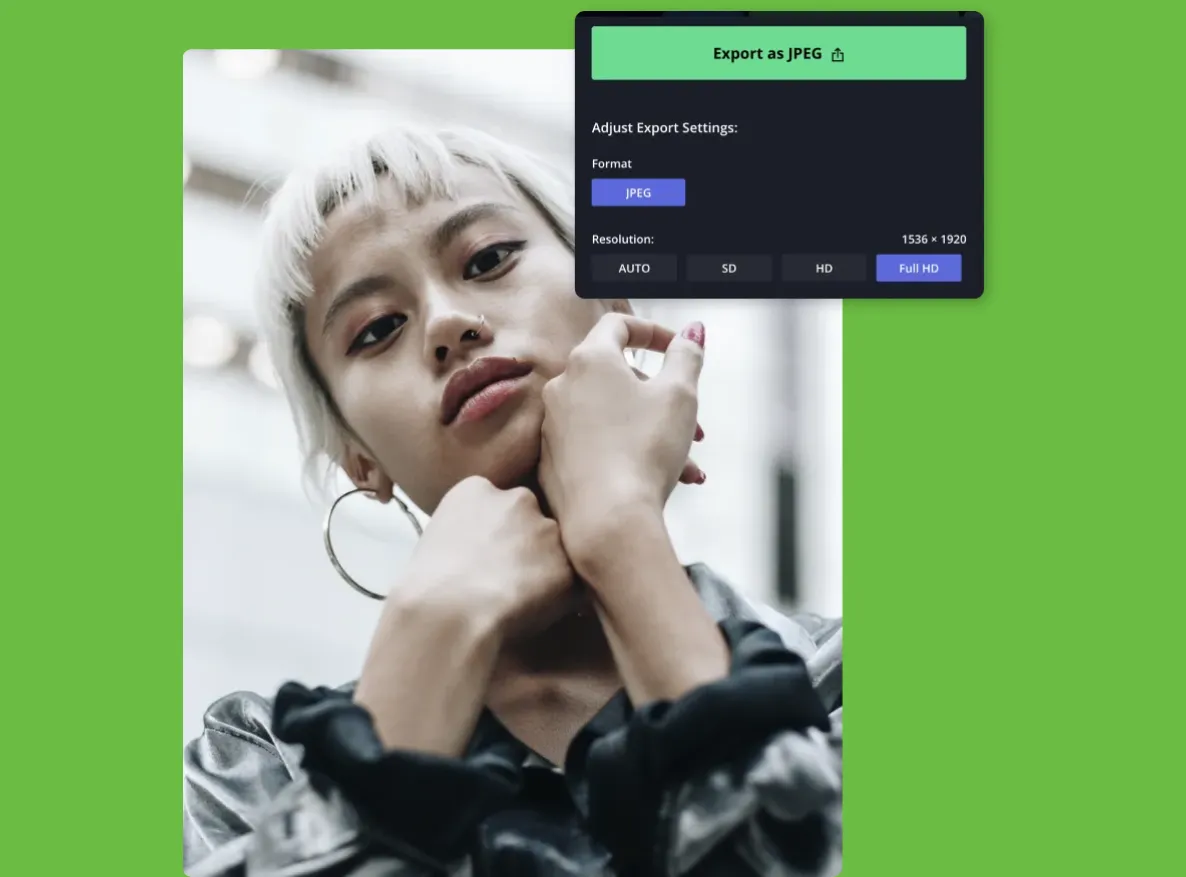
JPG is the preferred format for photography, printing, and archiving. Its universal support ensures images look consistent across platforms and devices, while also making it easy to prepare files for print shops, portfolios, or long-term storage.
For photos, JPG handles gradients, color variation, and detail more effectively than PNG, making it the standard for online galleries and visual content. With Kapwing, you can enhance your images further by applying solid or blurred backgrounds using AI-powered tools and a color sampler.


Convert, optimize, and share
Millions of creators choose Kapwing, from photographers to web designers

Social Media Creators
Creators convert PNG to JPG for instant publishing on Instagram, YouTube, and TikTok, with direct social sharing built into Kapwing

Email Marketers
Email marketers convert PNG graphics to keep email file sizes small. Lighter JPG images load faster, improving deliverability and reducing blocked content.

Journalists & Publishers
JPGs embed cleanly into CMS platforms without warnings or distorted image previews, keeping publishing workflows smooth and image-heavy articles loading quickly

Photographers
Photographers export images as JPGs to simplify client sharing on platforms like Dropbox or Google Drive, ensuring files are universally accessible and print-ready without extra steps
.webp)
Web Designers
Beyond speed, smaller JPGs help improve SEO rankings, since Google rewards sites with optimized performance and lower bounce rates

Online Stores
E-commerce teams convert PNG product images to JPG to ensure sharp visuals across browsers while preventing lag or crashes on older mobile devices

Small Business Owners
Small businesses convert PNG logos and graphics to JPG for use across platforms like Google Business, Yelp, and LinkedIn, where transparent PNGs aren’t always supported
.webp)
Teachers & Students
JPGs drop seamlessly into Word documents, PowerPoint slides, and school platforms, making academic materials easier to share and access
.webp)
Marketing Teams
Marketing teams switch PNGs to JPGs for brand consistency across digital channels. JPG compression is predictable, ensuring logos, banners, and campaign graphics look uniform.
How to Convert PNG to JPG
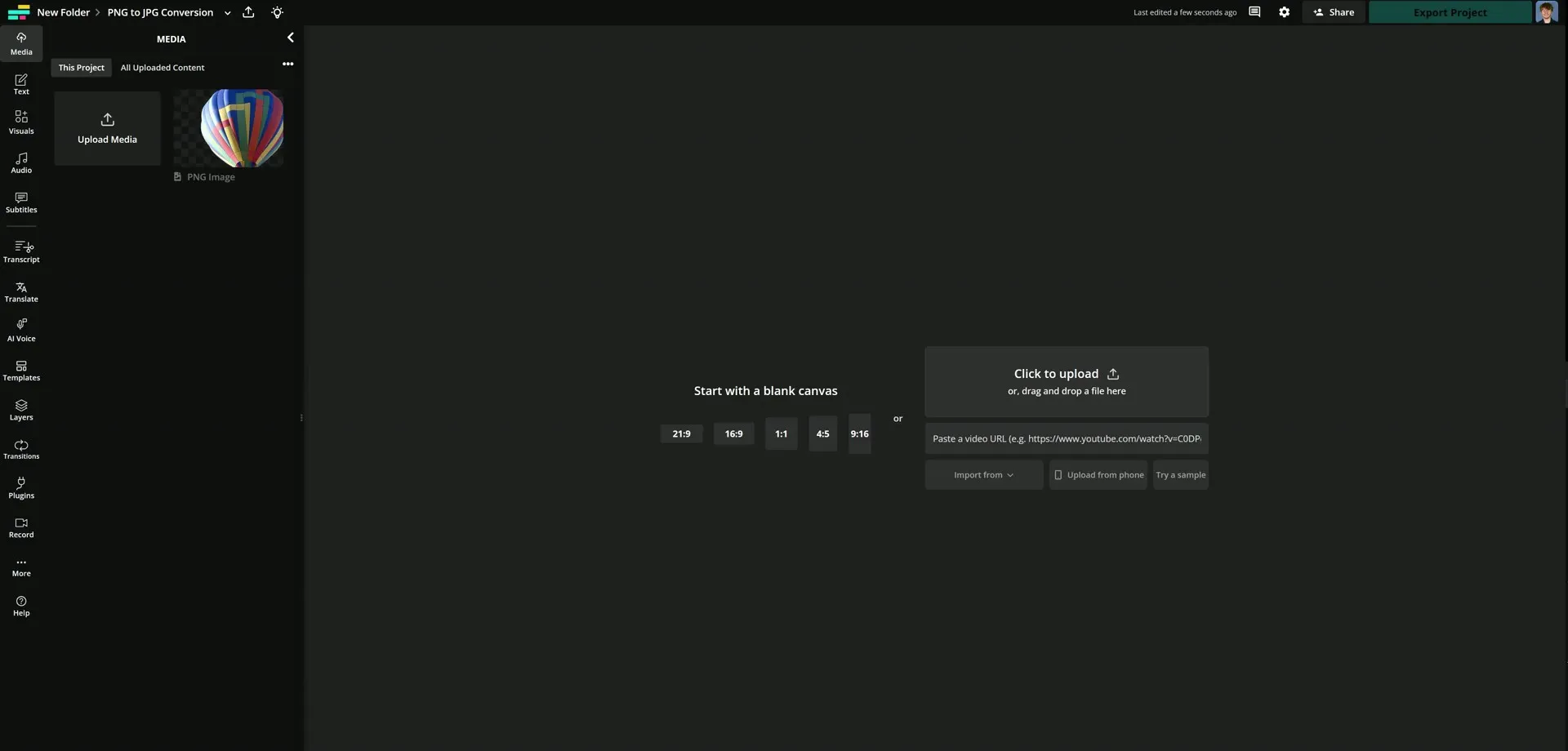
- Upload PNG
Upload your PNG file to the Kapwing editor to begin converting.
- Edit photo
If your image has a transparent background, add a solid color to ensure compatibility with JPG. Optionally, you can make further edits.
- Export as JPG
Within the export menu in the top right-hand corner, choose the JPG file type to convert your image.
What's different about Kapwing?



Frequently Asked Questions

Is the PNG to JPG converter free?
Yes, the PNG to JPG converter is free for all users.
Is there a watermark on exports?
Under the free plan, exported projects include a stationary watermark. Upgrading to a Pro account removes the watermark from all exports. Pro accounts also gain access to higher video resolution, unlimited cloud storage, and more.
What is the difference between JPG and PNG?
JPG and PNG are both popular image formats but are used for different purposes. JPG files use lossy compression, which reduces file size but can slightly lower image quality. This makes JPG ideal for photos, online content, and situations where fast loading times and smaller file sizes are important.
PNG files use lossless compression, preserving every pixel of detail even after multiple edits and saves. PNG also supports transparent backgrounds, making it the preferred choice for logos, icons, and graphics that need to maintain quality or be layered on different backgrounds.
Does JPG support transparent backgrounds?
No, JPG files do not support transparent backgrounds. Converting to PNG is required to maintain a transparent image background.
What image files does Kapwing support?
Kapwing supports uploading popular image formats, including JPG/JPEG, PNG, GIF, WebP, and HEIC. After editing, you can export your project as a JPG, PNG, or WebP file directly online.
Does converting from PNG to JPG reduce image quality?
Kapwing's converter is designed to preserve image quality when converting JPG to PNG. Because JPG uses lossy compression, the converted image may introduce some artifacts during the process. To increase the quality of images before or after converting, use the AI image enhancer.
Is JPG or PNG better for printing?
For most printing projects, JPG is the better choice because it supports high-resolution images while keeping file sizes small, making it easier to share and process with printers. JPG works well for photos, flyers, posters, and marketing materials where transparency is not required.
Why choose a JPG file?
- Native support across all operating systems (Windows, macOS, Linux, Android, iOS)
- Universally supported by all web browsers, email platforms, social media, and content management systems
- Easily opened by nearly every image viewer, editor, and media software
- Optimized for photographs, making it the go-to format for cameras, smartphones, and online sharing
Is JPG the same as JPEG?
Yes, JPG and JPEG are the same image file formats. The only difference between the two is the characters used.



Kapwing is free to use for teams of any size. We also offer paid plans with additional features, storage, and support.