AI-powered video tools for teams — from first draft to final cut
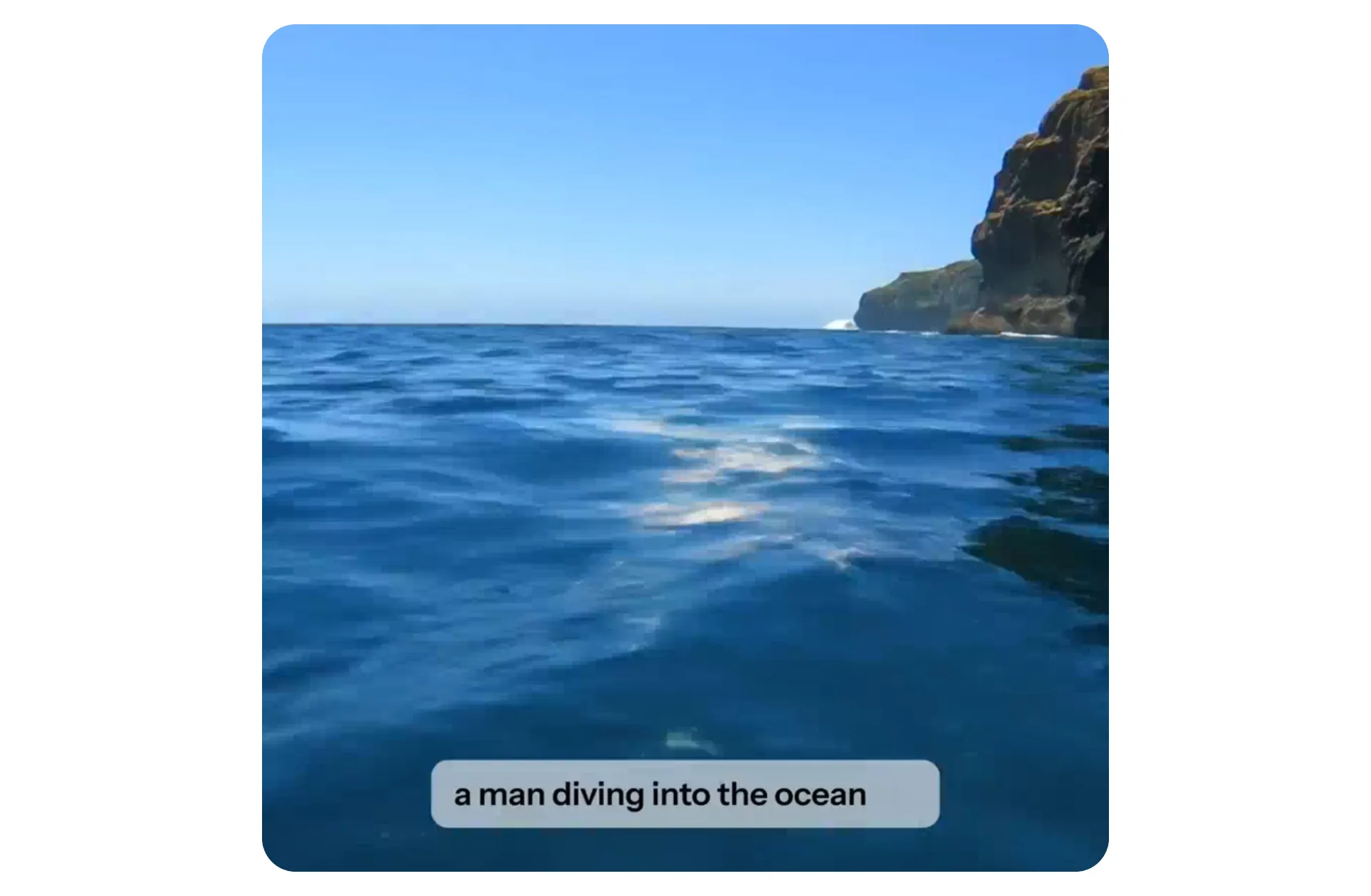
AI-powered video production for creative teams
Create, edit, review, and scale video content — all in one collaborative workspace
Produce more video content
Kapwing’s range of AI video tools remove the manual, time-consuming parts of video production so teams can focus on ideas, storytelling, and distribution.
Teams move from raw footage, scripts, or generated clips to polished videos ready for social, marketing, education, or internal comms in minutes.
Create short-form videos for TikTok, Reels, and Shorts, or produce longer projects like explainers, announcements, ads, and PR videos.
Edit and customize at every stage
Our AI video tools are built to support real production workflows. Every video stays fully editable, so teams can refine messaging, visuals, and branding without starting over.
Add voice overs, subtitles, brand assets, callouts, transitions, or templates. Resize videos instantly for any platform, and make changes simply by editing text.
Everything runs in one shared workspace, so updates are fast and consistent across projects.
What Makes Kapwing’s AI Video Tools Different
Built for real production workflows — not just one-off videos
Kapwing helps teams extract high-impact moments from long videos and audio recordings, turning a single upload into multiple short clips optimized for social sharing — all in minutes.
.webp)
Apply leading AI models across your workflow
Kapwing integrates with leading AI models like Sora and VEO to help teams enhance, stylize, and refine video content without switching tools.
Whether you need human realism or 1,000s of style variations like anime-inspired visuals or retro 80s aesthetics, our selection of AI models will have you covered.
How to Use Kapwing's AI Toolkit
- Step 1Open Kapwing's AI toolkit
Launch kapwing.com and open the AI tools by clicking on the 'Easel Icon' in the top toolbar
- Step 2Create, edit, and enhance
Use AI-powered tools for subtitles, editing, generation, eye contact correction, translation, and more.
- Step 3Export and share
When ready, click “Export Project” to download the final version, share it via a Kapwing link, or publish directly to social media.
How AI improves team workflow
Say goodbye to scattered video files, brand assets, and email chains full of feedback. Kapwing serves as a central workspace where creators can easily create, edit, and review content together. Collaborate with your team online without leaving kapwing.com.
Leave comments directly on videos for a streamlined review process and eliminate the need for back-and-forth messages on Slack, Teams, or email. Faster feedback means more time for content creation for teams of any size.
The studio is built for journalists, social media teams, and PR professionals who need to respond quickly to breaking news or trending topics with live feedback and up-to-date information powering their scripts.
By the numbers
Real-world impact of Kapwing AI
8
AI models powering video generation, including Sora, Veo, and more
400,000
Interactions with Kapwing's AI Assistant every month
1 million+
Videos exported every month
Already transforming video creation across industries
Hear directly from the teams who publish faster, collaborate better, and stay ahead.


Professional-grade AI tools anyone can use
Everything runs online, so teams can create and collaborate from anywhere.
Create more content with an AI avatar
Turn scripts, articles, or updates into spoken videos using lifelike AI presenters — without cameras or recording setups.

Generate B-roll related to your content
Automatically add relevant images and video clips that match your script, saving hours of manual searching.
.webp)
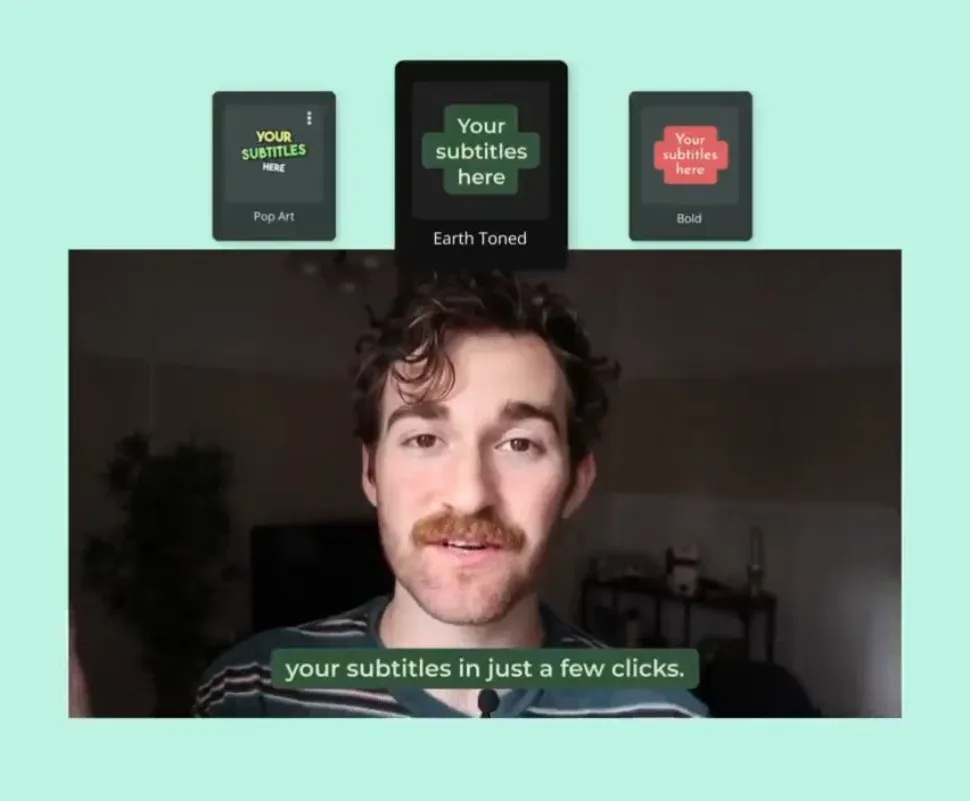
Create custom subtitles for your brand
Create branded subtitles in one click with hundreds of fonts, colors, animations, and transitions — fully customizable.
Improve on-camera engagement
Make recordings feel more natural and engaging by automatically adjusting gaze toward the camera.

Why stop at video?
Kapwing’s AI Image tools are fully integrated into your video workflow — perfect for thumbnails, overlays, ads, and supporting visuals
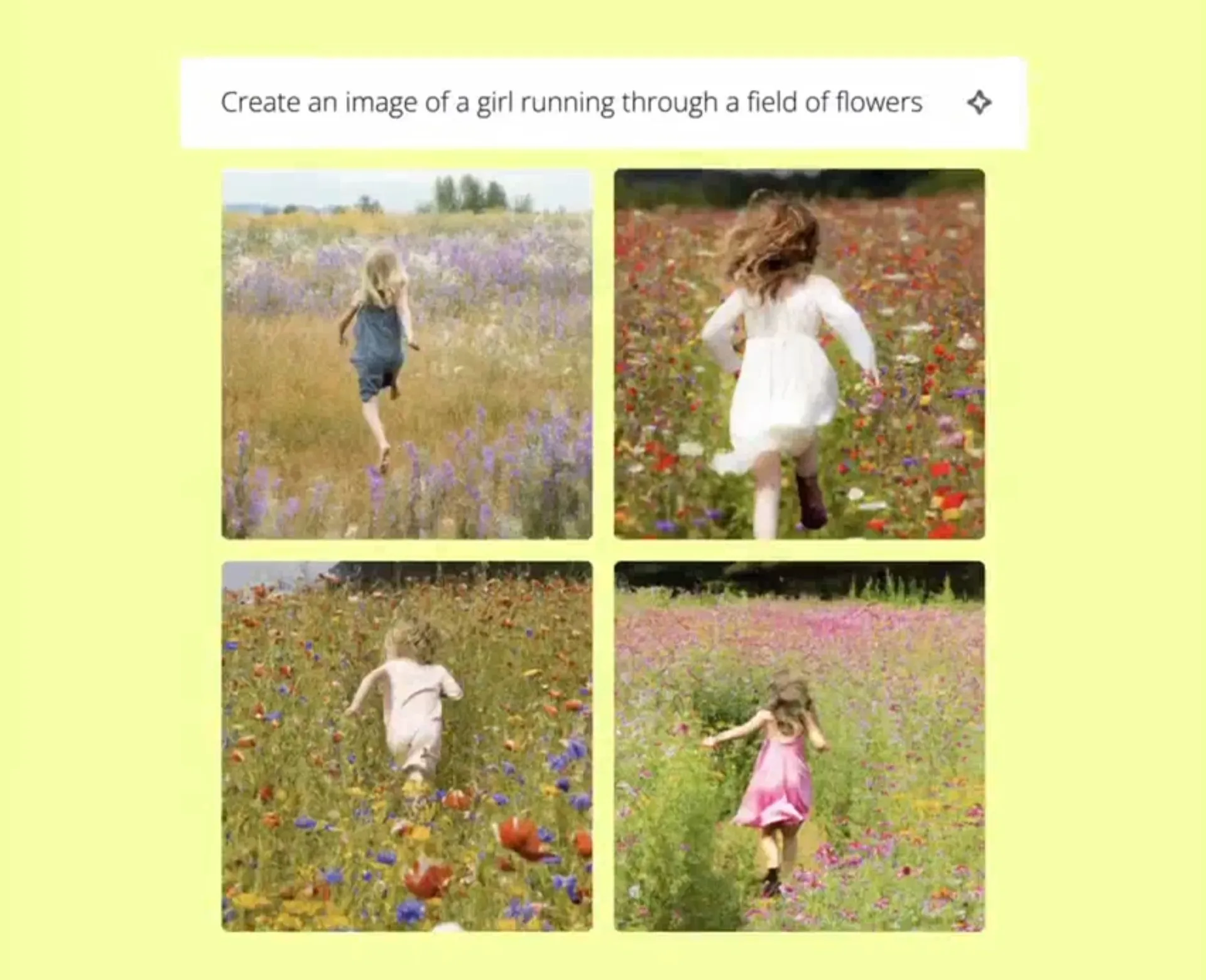
Create, edit, and refine images with AI
Craft unique visuals in seconds with Kapwing's AI Image Generator. Simply describe your vision to instantly produce anything, from cartoon characters and hyper-realistic portraits to fantasy landscapes.
Start from scratch or transform your own photos with AI-powered edits, like changing outfits, swapping faces, removing objects, or expanding the image beyond its original frame.
Featuring the latest image generation technology and integrations with tools like Nano Banana, Seedance, and ChatGPT, Kapwing makes it easy to create, edit, and share images that match today’s biggest trends.
Add studio-grade audio to your visuals
One click-solutions for every recording obstacle
.webp)
Smart Cut
Remove pauses, filler words, and background noise without manual editing using Smart Cut and Clean Audio — professional audio quality, no matter the recording setup
.webp)
Text to Speech
Save time recording by choosing from a diverse range of AI-powered voiceover artists and automatically generate realistic, human-like voice overs with Text to Speech
.webp)
Video Translator
Translate into 100+ languages with our accurate, AI-powered Video Translator. Instantly translate the audio in your video using lifelike AI voices or a cloned version of yourself.
.webp)
Speaker Focus
Spotlight active speakers in your video and automatically keep the spotlight on active speakers with an AI-powered video framing tool that centers talking subjects during camera changes
.webp)
Lip Sync
Seamlessly sync audio to match a speaker's lip movements, even if the original video was in a different language
.webp)
Split Vocals
Isolate human voices from instruments, giving you two distinct tracks for greater creative control over your audio. Create clean, standalone instrumentals and custom audio beds.

Script Generator
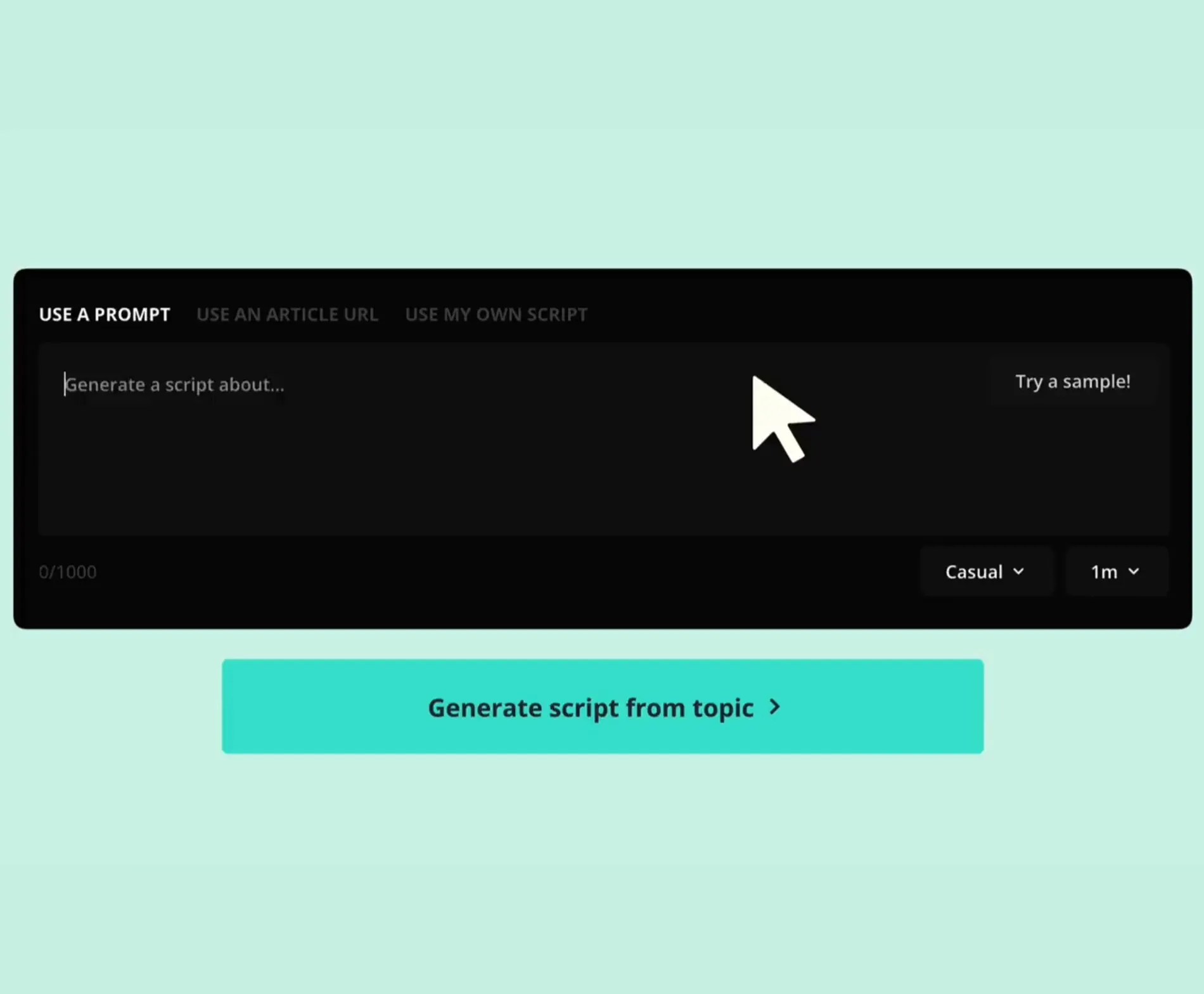
Generate engaging scripts in seconds, simply by entering a brief topic description that could be as short as a couple words. Once the script is ready, you can make unlimited edits.
What's different about Kapwing?



Frequently Asked Questions
We have answers to the most common questions that our users ask.
Is the AI Toolkit free?
Yes, anyone can try Kapwing’s AI Toolkit for free. Our AI tools run on a credit system, with each feature costing a set number of credits. For maximum creativity and the best value, upgrade to a Pro account to unlock the full power of AI-driven content creation.
What is an AI Persona, and how do I create one?
An AI Persona is a digital avatar created using AI. Kapwing has three types of Persona offerings:
- Cloning yourself: You can clone yourself into a Persona by uploading a video of yourself speaking to the camera.
- Using a Stock Persona: Kapwing offers a range of Stock Personas, which are real people from diverse backgrounds.
- Educational Personas: These are famous faces included to help showcase the capabilities of open-source lip-sync technologies.
To create a Persona, film a video (minimum 15 seconds) speaking to the camera, upload it to Kapwing, and name the Persona. Alternatively, you can choose a voice from the stock library.
Is Kapwing's AI safe?
Kapwing takes data privacy and safety seriously. We have strict moderation guidelines, ethics policies, and security measures in place to protect user data. For detailed information, you can refer to Kapwing's Terms of Service and Privacy Policy on our website.
Can I use the AI tools without any editing experience?
Yes, Kapwing’s creative suite is built for users of all abilities. Our AI tools make complex tasks easy, eliminating the need for time-consuming and costly edits. Every tool can be used with just one or two clicks, and each step is clearly explained inside the editor. Whether you're a seasoned editor accustom to Adobe Premiere Pro or a complete beginner, Kapwing's AI can enhance, diversify, and increase your content output.
Does Kapwing support text-to-video and image-to-video?
Yes, you can start from a text prompt, script, article, or even an image to create dynamic video content instantly.
What AI models does Kapwing use?
Kapwing uses a selection of cutting-edge AI video models to power today’s most viral and creative video trends. This includes MiniMax, Seedance, VEO, and Sora.
Can you edit and customize AI-generated videos?
Yes, all of Kapwing's AI-generated videos are completely customizable. Once they have been generated you can add a variety of edits based on your subscription package, including branded backgrounds, colors, images, and logos.
What aspect ratios, file sizes, and display resolutions are supported?
Kapwing's AI studio works with all popular file types for video, image, and audio, including MP4, AVI, MOV, WebM, JPG, PNG, WebP, MP3, and more.
- Aspect ratios in: 1:1, 9:16, 16:9, 4:5, 5:4, 3:4, 4:3, 2:3, and 21:9.
- Resolution support: 480p, 512p, 768p, 720p, and 1080p.
How can I get tips for writing better AI prompts?
Check out our blog on advanced AI video prompts for a deeper look at how to write and use them effectively, alongside this guide for AI image prompts.
What is a Custom Kai?
Custom Kais are pre-built AI image and video effects in Kapwing. Our team has created hundreds of them so you can instantly produce eye-catching content — no prompt writing required. Just apply a Custom Kai and the style is handled for you.
You can also create your own Custom Kai to capture your brand’s unique look and reuse it anytime for consistent, on-brand content with one click. This makes the process of generating images and videos in an identical filter style a seamless and automated process.
How is Kapwing different from other AI video tools?
Kapwing is designed for speed, collaboration, and customization, making it perfect for teams and creators who want to edit, repurpose, and publish videos from start to finish without leaving their browser. The studio combines AI-powered generation with a full-featured video editor, giving creators more control than platforms and apps that only auto-generate content.
Discover Resources
Tips, templates, and deep dives to help you create faster and share with confidence.
View all


Get started with your first video in just a few clicks. Join over 35 million creators who trust Kapwing to create more content in less time.