Fully edited videos.
Ready in minutes.
Storyboard your video instantly — AI builds it 100% online
From idea to video — automated and accelerated
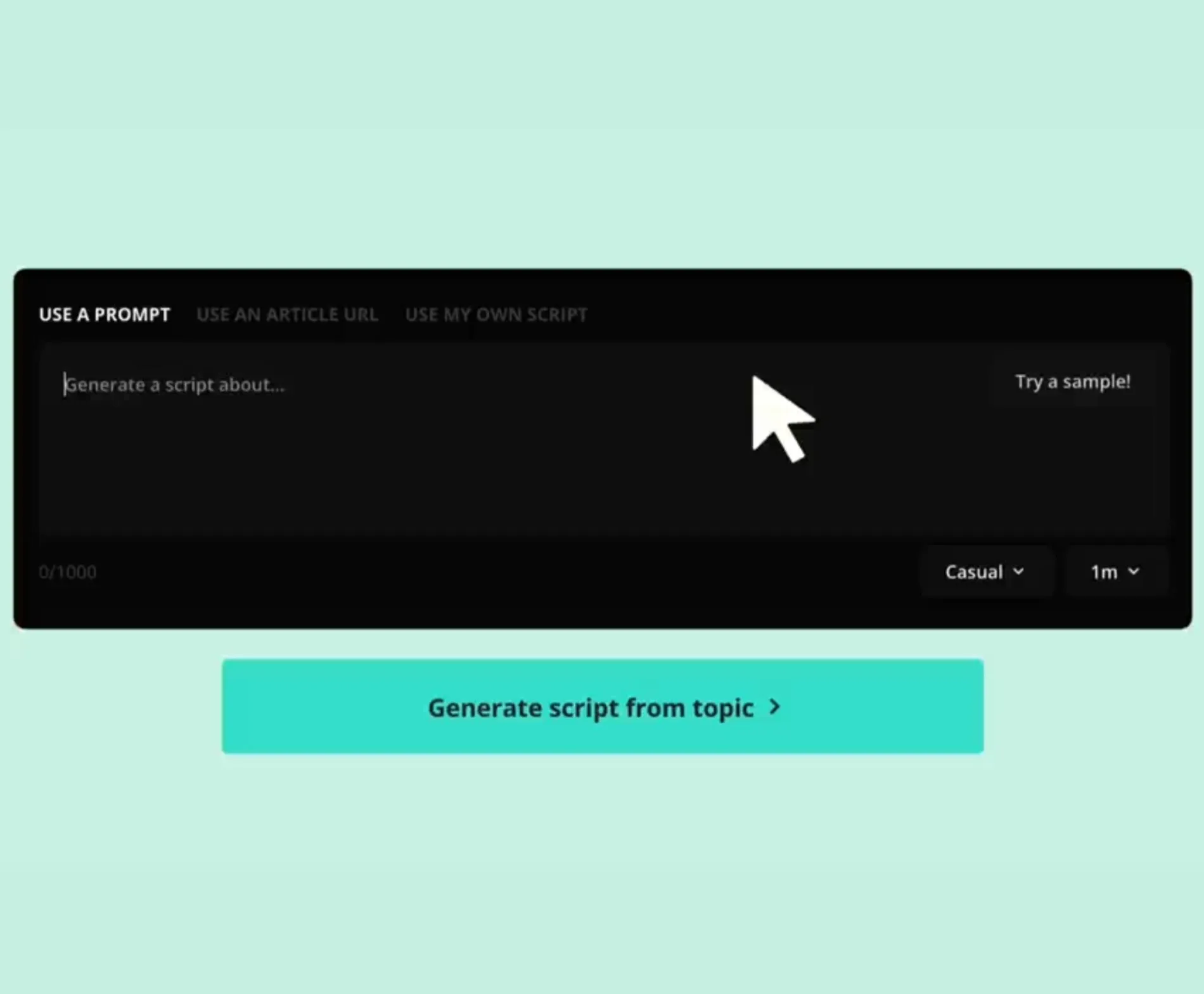
Kapwing's AI Video Editor takes your prompt, script, or article and instantly transforms it into a multimedia-rich video with optimized aspect ratios for any platform.
AI provides a complete storyboard preview, so you can review and edit the script, voice over, shot list, and music before generating — giving you control over credit usage.
Each output includes B-roll, voiceover, music, and subtitles, ready to publish or refine further.
Whether you're generating publish-ready YouTube Shorts or assembling core building blocks for promos and ads, video creation has never been faster.
Creativity without limits — unlocked by AI
Free to start, easy to master, and fully online — Kapwing makes professional video editing accessible to everyone.
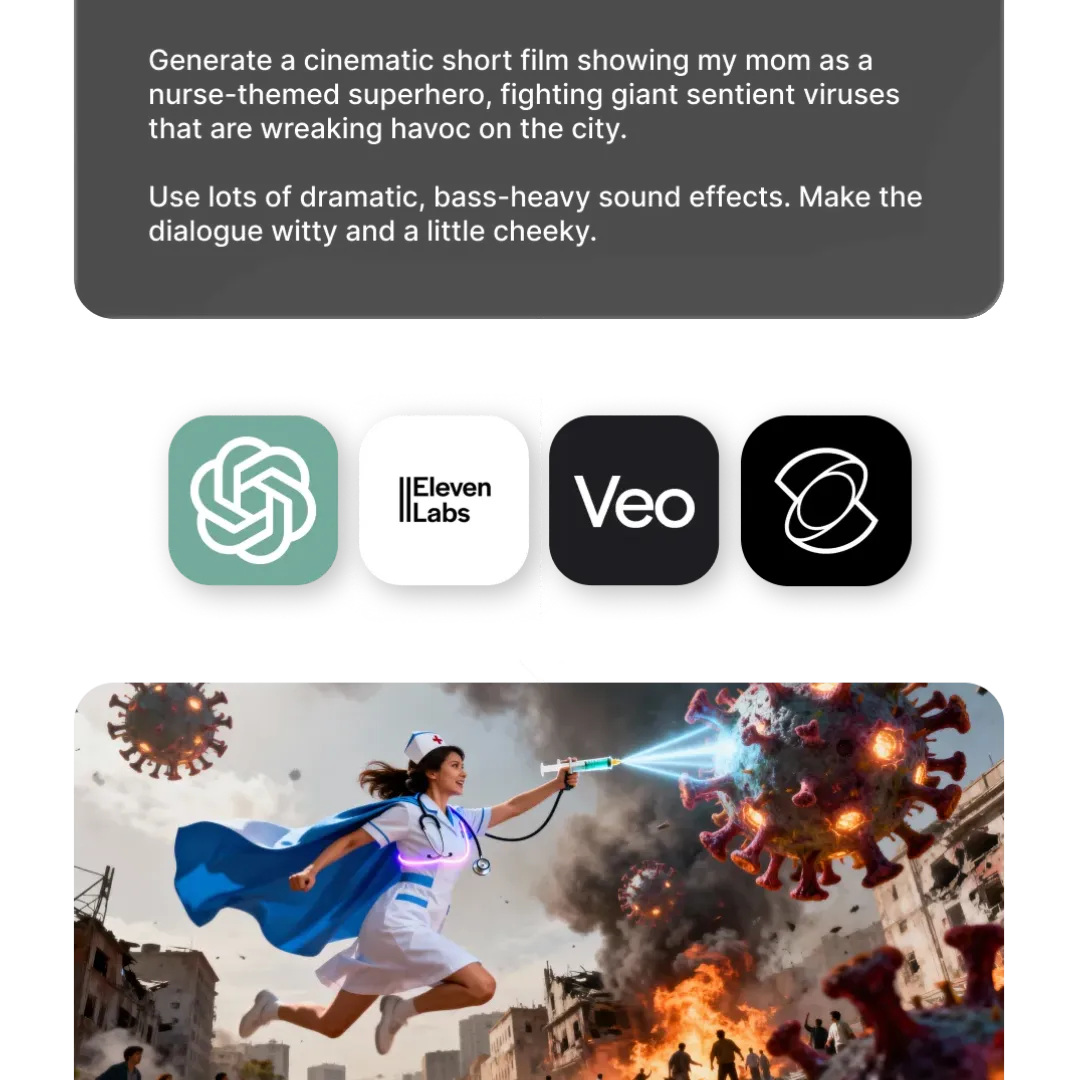
Use our advanced Text to Video and Image to Video toolds to stay ahead of the latest video trends, including multi-scene clips, motion control, consistent characters, and frame-level start and end control.
When you're ready, bring your audio, video, and images together in our powerful editing studio and customize every detail — nothing is hardcoded.
Add logos, text, and preset styles, or fine-tune subtitles, voice overs, and background music to keep every piece of content perfectly on-brand.

Edit and enhance footage 10x faster
Professional-grade tools with an intuitive interface
Delete words in your transcript to automatically remove or trim that section of the video using Kapwing's AI — no editing experience needed.
.webp)
Already transforming video creation across industries
Hear directly from the teams who publish faster, collaborate better, and stay ahead.


How AI can transform your video editing workflow
Create, edit, share — all from one browser
Kapwing helps creators produce more content in less time with AI built for the demands of fast-moving content in 2026. Millions of users trust us to streamline their workflow by eliminating tedious tasks like resizing clips for social media, generating voice overs, cutting unwanted pauses, and adding accurate subtitles.
Every AI feature is designed for speed and simplicity with auto-prompt enhancement and an "AI Assistant" to guide your inputs along the way. One-click AI tools automate tedious edits, while advanced capabilities like background removal, eye contact correction, and AI-powered B-roll insertion are completed in seconds.
Say goodbye to scattered video files, disorganized brand assets, and endless email threads. Entire teams can collaborate seamlessly on Kapwing.com, leaving feedback directly on videos and streamlining reviews — no more constant back-and-forth in Slack, Teams, or email.
By the numbers
Real-world impact of Kapwing AI
400,000
Interactions with Kapwing's AI Assistant every month
Over 1 million
Videos exported every month
How to Edit Videos With AI
- Step 1Open Kapwing
Head to Kapwing.com and open the AI Assistant by clicking on the easel icon.
- Step 2Enter prompt
Enter your prompt, select an AI model, and enable "Plan Mode" to review a scene-by-scene storyboard before using any credits. Upload reference media to guide visuals, motion, or composition.
- Step 3Edit and Export
Refine your storyboard talking with the AI Assistant, click “Generate,” then continue editing in chat or the timeline. Select “Export Project” to download your final video.
Built for every kind of creator
Millions of creators and businesses trust Kapwing to lead their content into the AI era
Social Media Managers
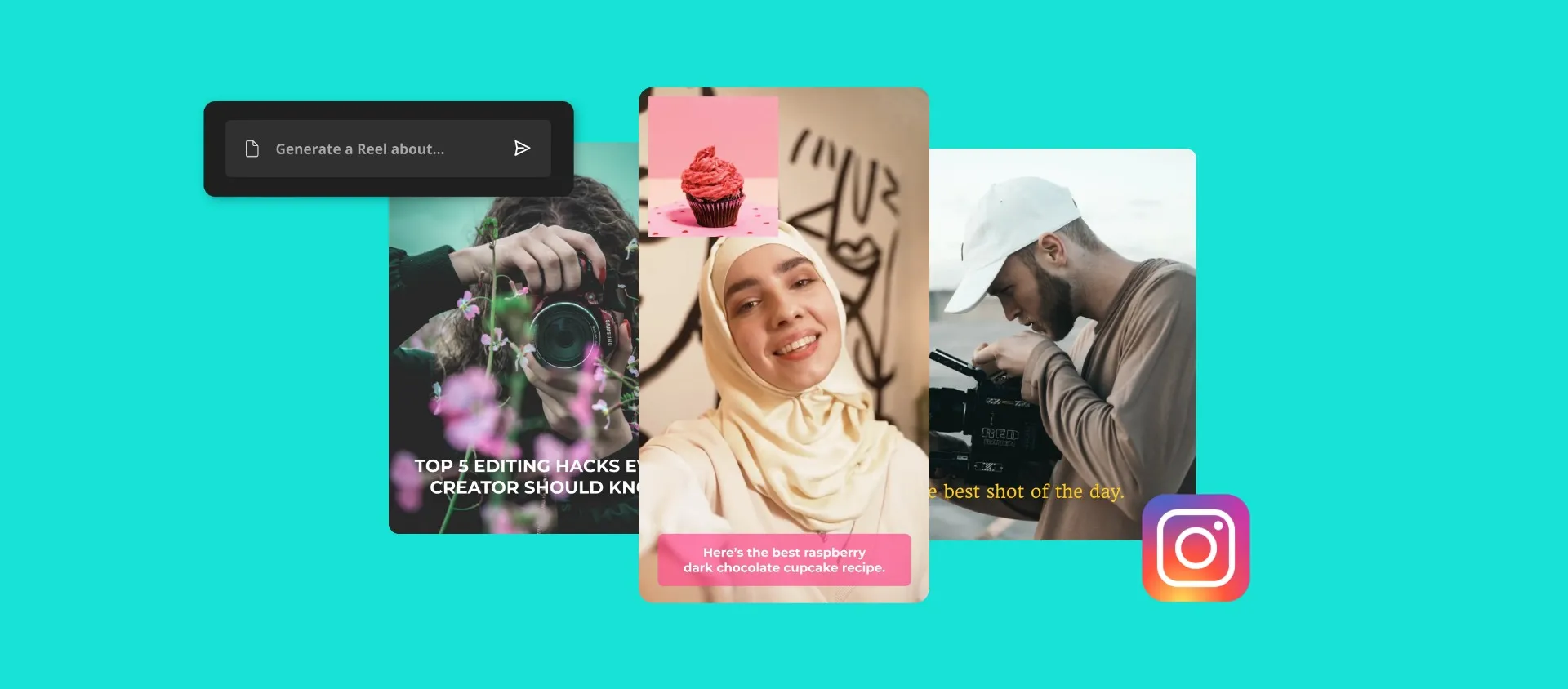
Kapwing's AI Video Editor makes it easy for social teams to repurpose content, resize for every platform, and publish more videos in less time

Marketing & Advertising
Agencies and freelancers use Kapwing to scale content production for multiple clients, applying custom branding, leveraging AI tools, and collaborating seamlessly online

YouTubers & Streamers
YouTubers transform hours of content into scroll-stopping highlights for every platform with AI Clip Maker, Speaker Focus, Auto-eye Correct, and instant subtitles

E-commerce
E-commerce teams and product marketers use AI-powered B-roll, captions, and resizing tools to create engaging product videos and promotional campaigns at scale

Podcasters & Vloggers
Podcasters and vloggers use Kapwing's AI Video Editor to instantly remove filler words, pauses, and unwanted background noise with Smart Cut

PR & Journalists
PR pros and journalists convert press releases and articles into visual content using AI Article to Video, reducing manual editing time with relevant images auto-pulled into the video

HR & Internal Comms
Our AI Translator helps HR teams streamline internal communications and quickly create informative videos for training, onboarding, or employee updates worldwide
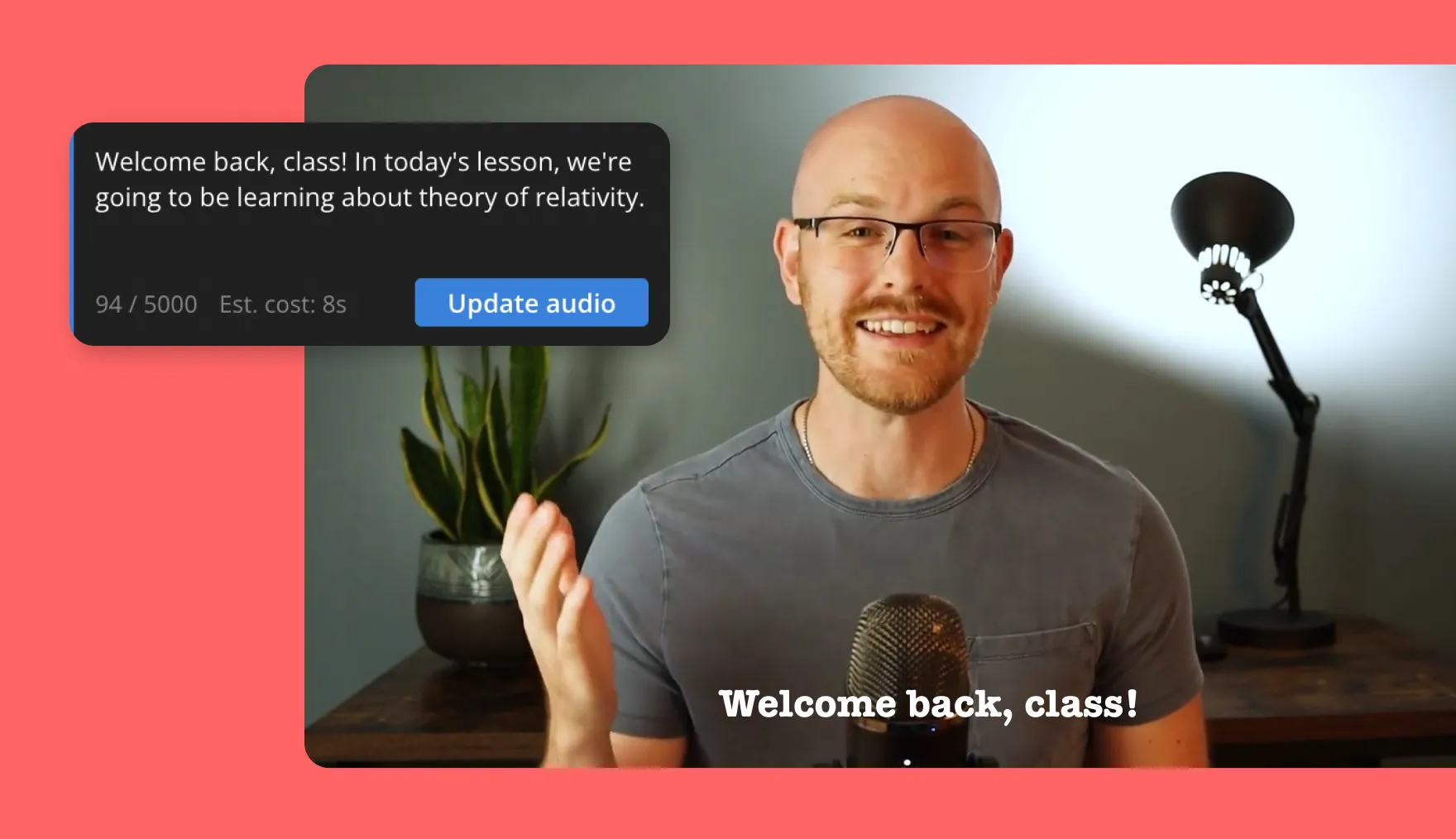
Educators & Course Creators
Creating and customizing training materials is simple with Kapwing, where educators and coaches use AI Script to Video to convert scripts into videos

Event Organizers
Event marketers and conference organizers quickly create promotional reels, recap videos, and highlight reels with AI Video Generator and one-click trimming tools
Turn ideas into content within seconds
Generate videos from text prompts, articles, and scripts
Generate stunning 6–12 second videos from simple text prompts or image uploads — in takes just two clicks
.webp)
What's different about Kapwing?



Frequently Asked Questions
We have answers to the most common questions that our users ask.
Is the AI Video Editor free?
Yes, anyone can try Kapwing’s AI Video Editor for free. All our AI tools run on a credit system, with each feature costing a set number of credits. For maximum creativity and the best value, upgrade to a Pro account to unlock the full power of AI-driven content creation.
Is there a watermark on exports?
If you are using Kapwing on a Free account then all exports — including AI-generated content — will contain a watermark. Once you upgrade to a Pro account the watermark will be completely removed from your creations.
Is Kapwing's AI safe?
Kapwing takes data privacy and safety seriously. We have strict moderation guidelines, ethics policies, and security measures in place to protect user data. For detailed information, you can refer to Kapwing's Terms of Service and Privacy Policy on our website.
Can I use the AI Video Editor without any editing experience?
Yes, Kapwing’s creative suite is built for users of all abilities. Our AI editing tools make complex tasks easy, eliminating the need for time-consuming and costly edits. Every tool can be used with just one or two clicks, and each step is clearly explained inside the editor. Whether you're a seasoned editor accustomed to Adobe Premiere Pro or a complete beginner, Kapwing's AI can enhance, diversify, and increase your content output.
What AI models does Kapwing use?
Kapwing uses a selection of cutting-edge AI video models to power today’s most viral and creative video trends. This includes Veo, Sora, Kling, MiniMax, Seedance, Pika, Seedream, Lightricks, Chat GPT image-1, and Google Nano Banana — giving you access to the same technologies behind the internet’s most engaging content.
Can AI-generated content be monetized on platforms like YouTube?
Generally, yes. Content created using Kapwing's AI tools can be monetized on platforms like YouTube and other social media networks. However, each platform has its own rules and guidelines about monetization, so it's important to check those before publishing.
Does Kapwing support online collaborative video editing?
Yes, Kapwing supports collaborative video editing by allowing users to create free, shared workspaces they can invite team members to join. 100+ collaborative video editing tools to streamline the creative process are also available in the online video editor. Teams can also upload a Brand Kit to their workspace or set one up together in real-time, helping ensure that assets are readily available and organized.
Which devices and browsers are supported?
Kapwing works on any device and browser, though we recommend Chromium-based browsers like Google Chrome and Microsoft Edge. Kapwing also works on iOS and Android mobile devices. Since Kapwing is an online web-based software, it also works across Windows, Mac, and other desktop devices.
How can I get tips for writing better AI prompts?
If you’re unsure what to write, Kapwing’s AI Assistant can help refine your prompt. For a more in-depth understanding, explore our guide on advanced AI video prompts, which covers strategies for writing effective prompts — plus our data-backed study analyzing the most popular prompts.
What aspect ratios, file sizes, and display resolutions are supported?
Kapwing's AI studio works with all popular file types for video including MP4, AVI, MOV, WebM, and more.
- Aspect ratios in: 1:1, 9:16, 16:9, 4:5, 5:4, 3:4, 4:3, 2:3, and 21:9.
- Resolution support: 480p, 512p, 768p, 720p, and 1080p.
What are Custom Kais?
Custom Kais are pre-built AI image and video effects in Kapwing. Our team has created hundreds of them so you can instantly produce eye-catching content — no prompt writing required. Just apply a Custom Kai and the style is handled for you.
You can also create your own Custom Kai to capture your brand’s unique look and reuse it anytime for consistent, on-brand content with one click.
Discover Resources
Tips, templates, and deep dives to help you create faster and share with confidence.
View all
Get started with your first video in just a few clicks. Join over 35 million creators who trust Kapwing to create more content in less time.