AI TEXT TO VIDEO
Enter a text prompt — generate a studio-grade video
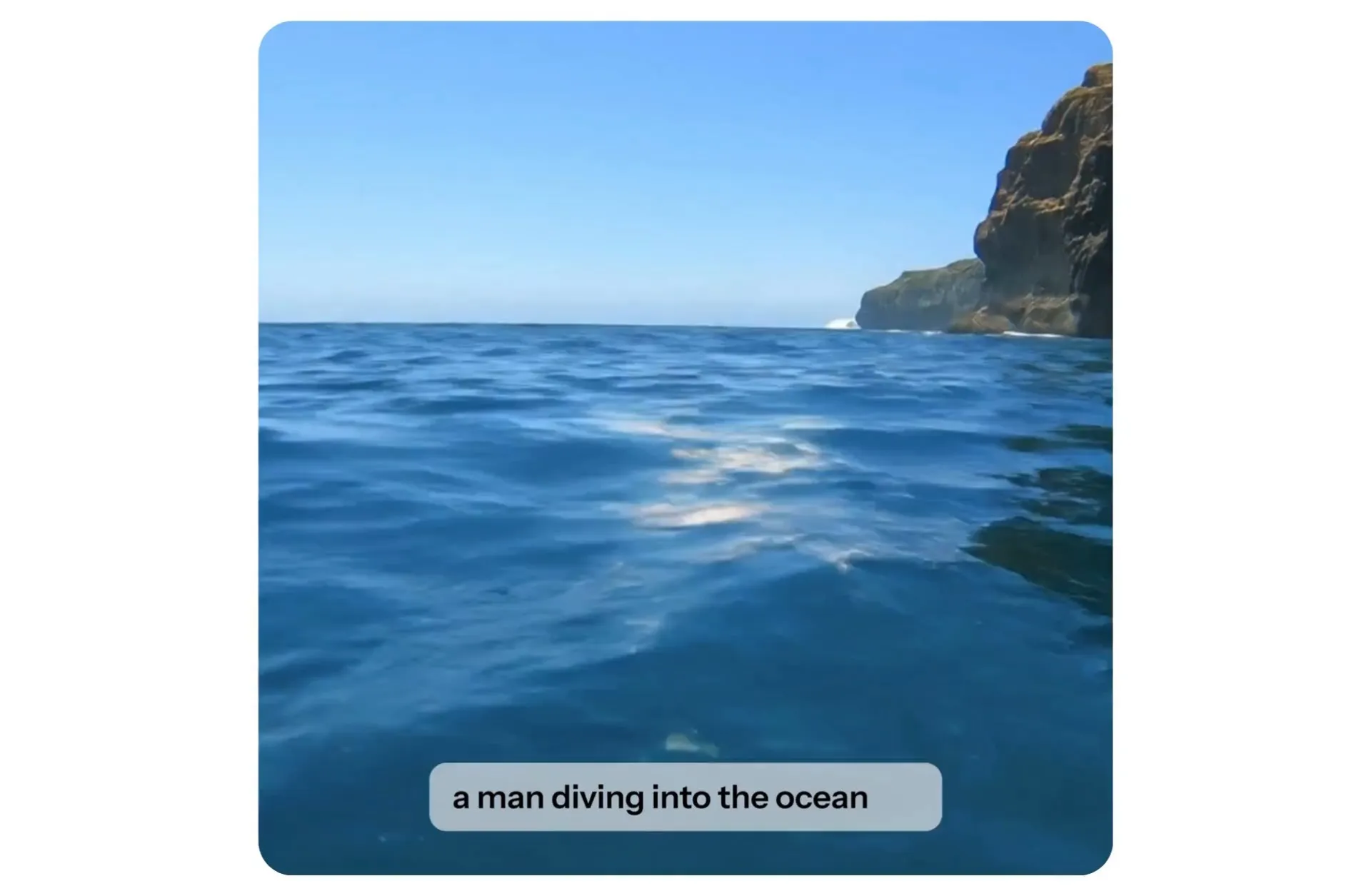


Simple text prompts to professional video clips
Completely customizable. All online. No downloads required.
Stun your audience with human-realistic quality
Generate AI videos with realism so authentic it’s nearly impossible to tell them apart from real footage — perfect for UGC-style content, training videos with AI presenters, or creating the next AI influencer on social media.
Produce single clips or multi-scene videos with different camera shots, then stitch them together into polished product demos, cinematic trailers, or original social media sketches.
Just enter a short prompt to get started for free.
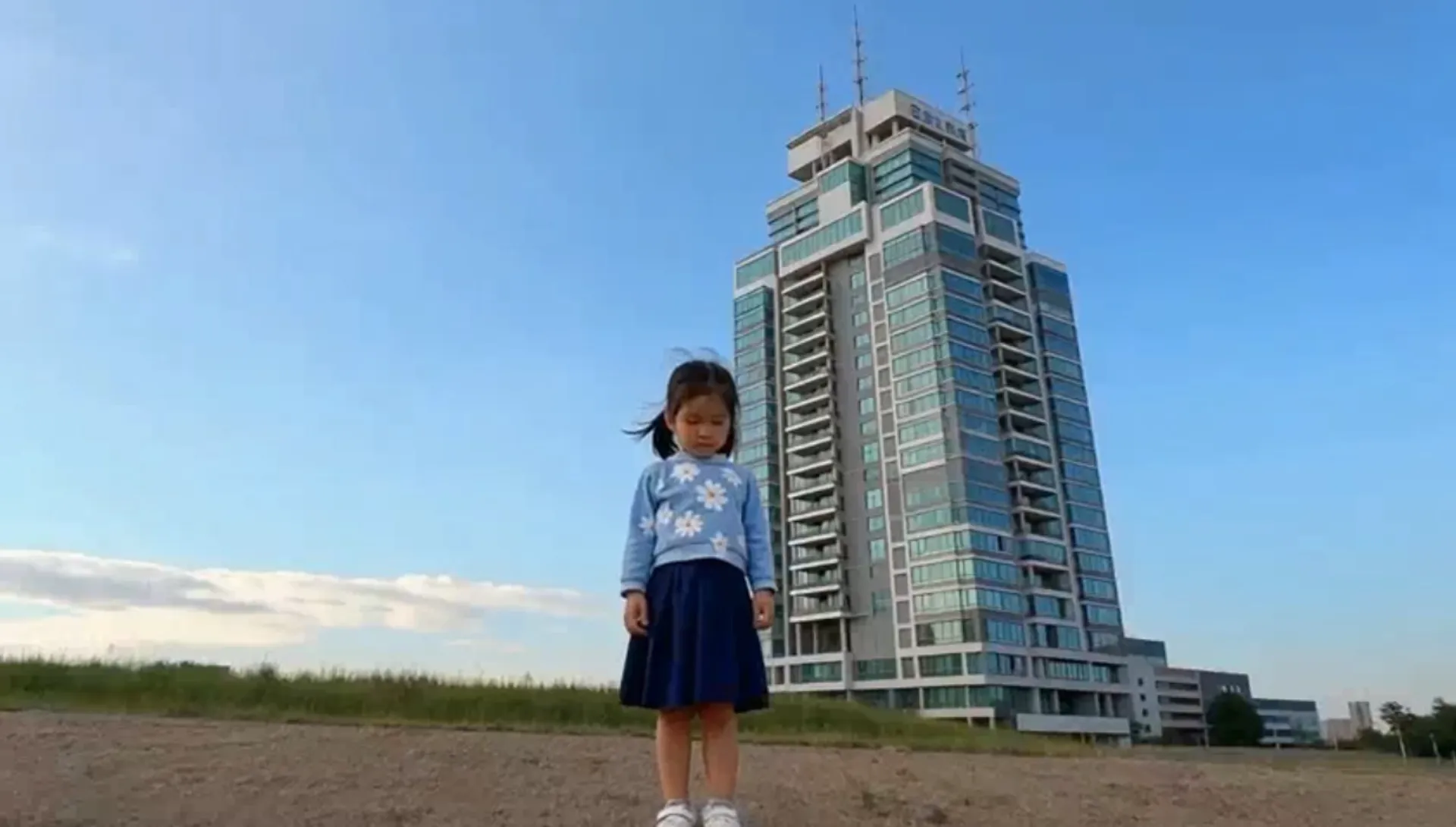
Generate and edit videos in under 60 seconds
Kapwing's automatic prompt enhancement enables creators of any skill level to produce videos with attention-grabbing realism — in record time. Generate short-form ads, branded social clips, and standout marketing content with video, image, and sound editing features like Dubbing and Lip Sync, all in one online editor.
Best of all, everything you generate can be customized in the studio with watermarks, logos, branding assets, and more.
Stay ahead of every AI video trend
Powered by the latest AI models, Kapwing's Text to Video tool empowers creators to replicate, edit, and improve on every AI video trend.
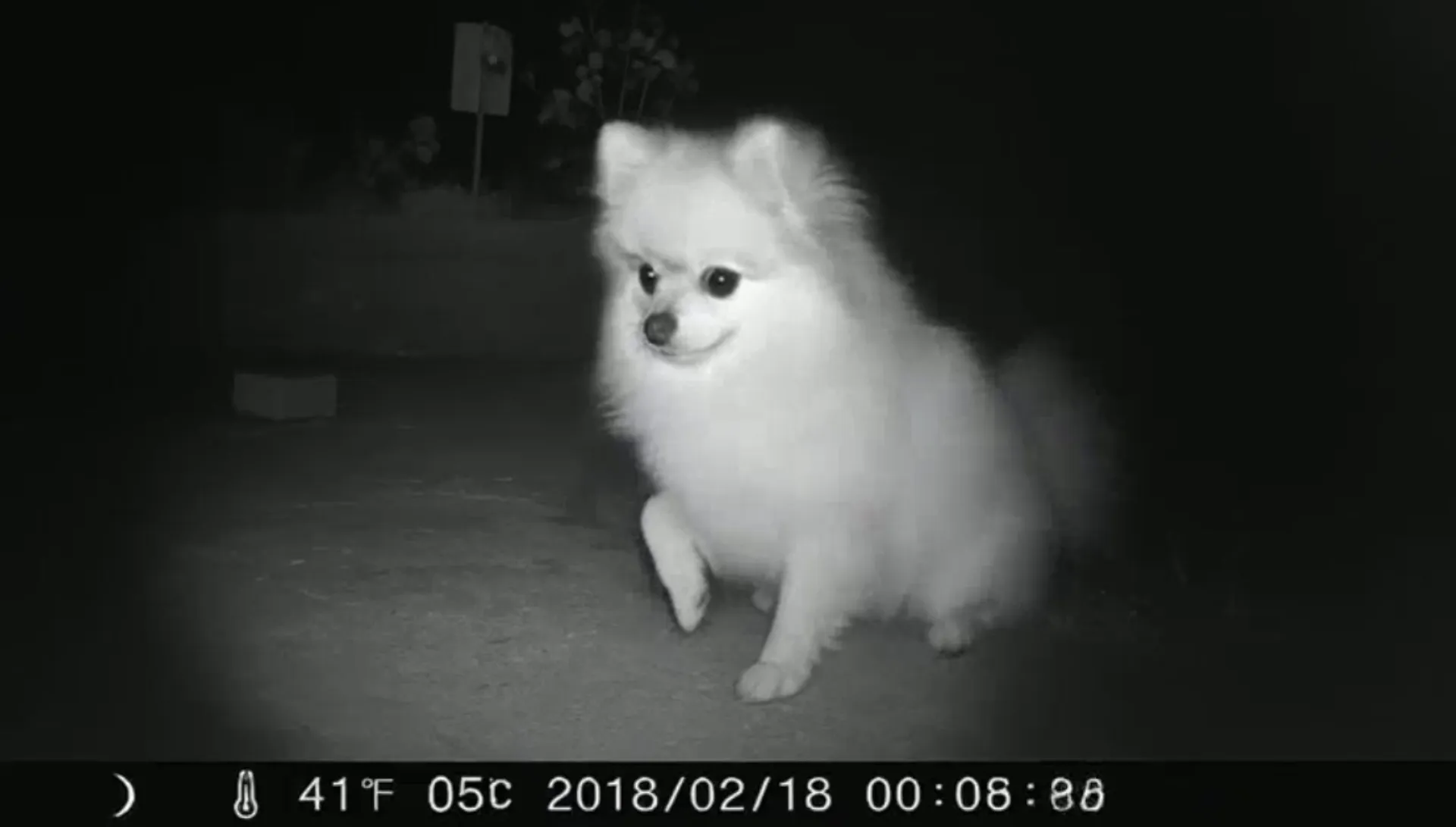
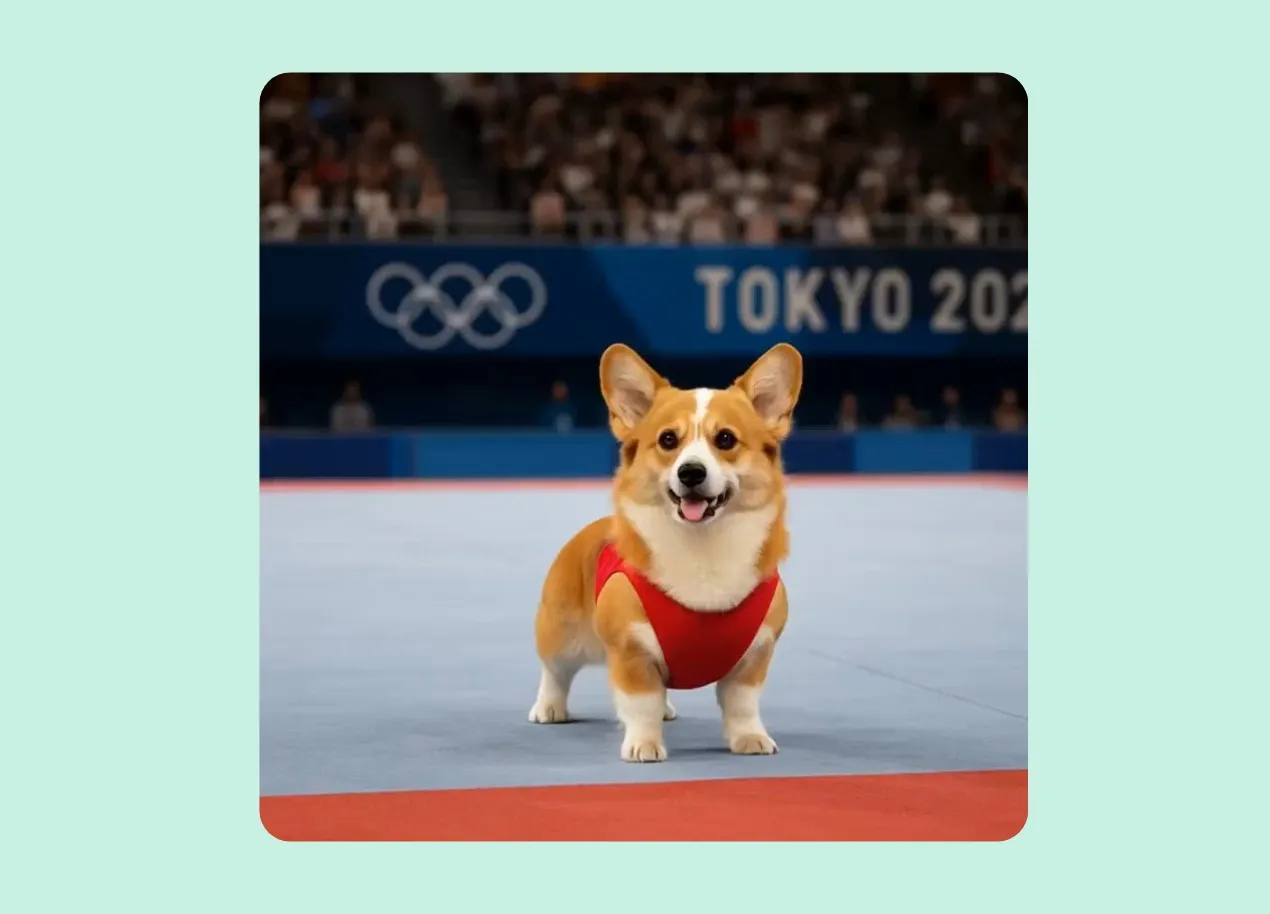
And with an integrated Image to Video model, you can cover every AI trend of 2025, whether it's AI baby podcasts, ASMR glass cutting, or the Pet Olympics.
Experiment with endless creative styles
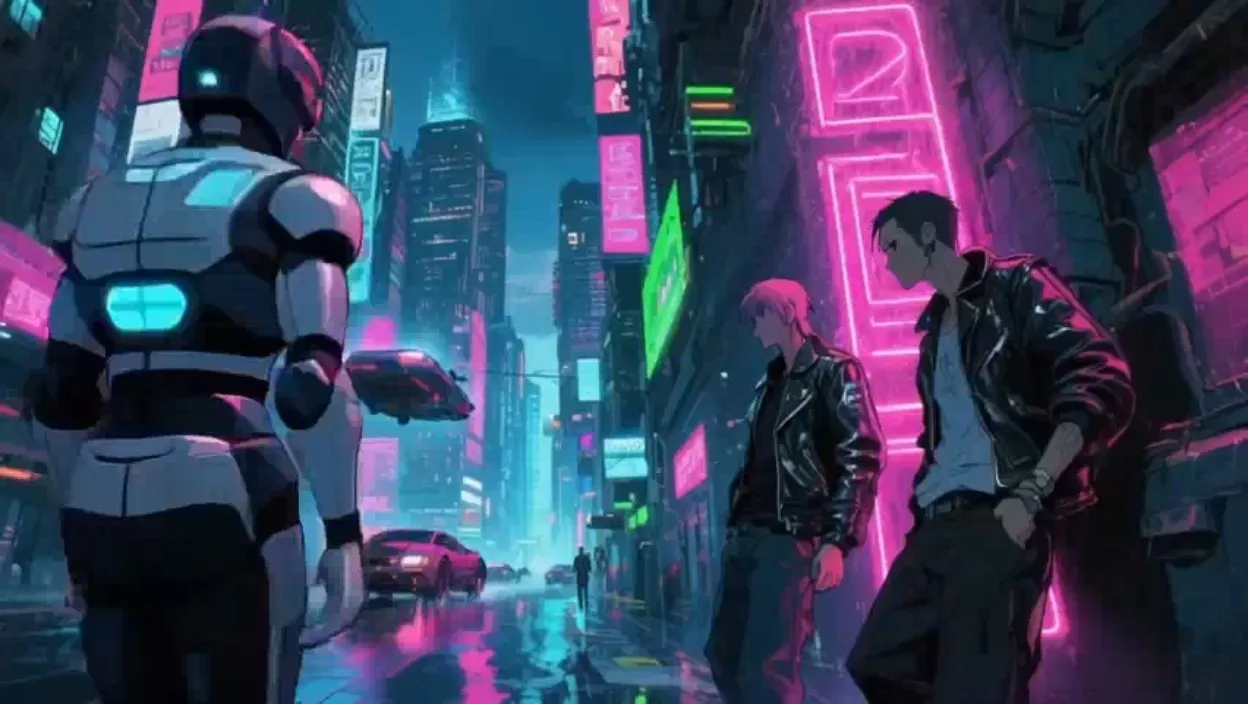
Bring ideas to life to with styles ranging from cyberpunk and anime to Marvel-inspired visuals and 1980s nostalgia.
Add advanced prompts that control lighting, camera angles, movement, and atmosphere or simply ask the AI Assistant to enhance your input.
Describe your topic.
Generate a fully edited video.
Start with a text prompt, script, or transcript
Instantly create videos ready for sharing online
Create multimedia-rich videos with a single propt using the AI assistant, Kai. The chatbot automatically stitches together voice overs, images, video clips, subtitles, and transitions — all based on your topic and style inputs.
AI Text to Video is the fastest, smartest way for creators and journalists to turn breaking news into videos using real-time data pulls. Designed with social media in mind, create videos ranging from 15 seconds to 5 minutes, with aspect ratios optimized for platforms like YouTube, Instagram, TikTok, Facebook, X, and LinkedIn.
Once finalized, share your video directly to social platforms without ever leaving Kapwing’s online editing suite.


A community of creators empowered by AI
Educate, promote, and sell using Kapwing's Text to Video

Social Media Clips
Social media managers use Kapwing’s AI to quickly recreate viral video trends on Instagram and TikTok, leveraging both AI Text to Video and Image to Video capabilities
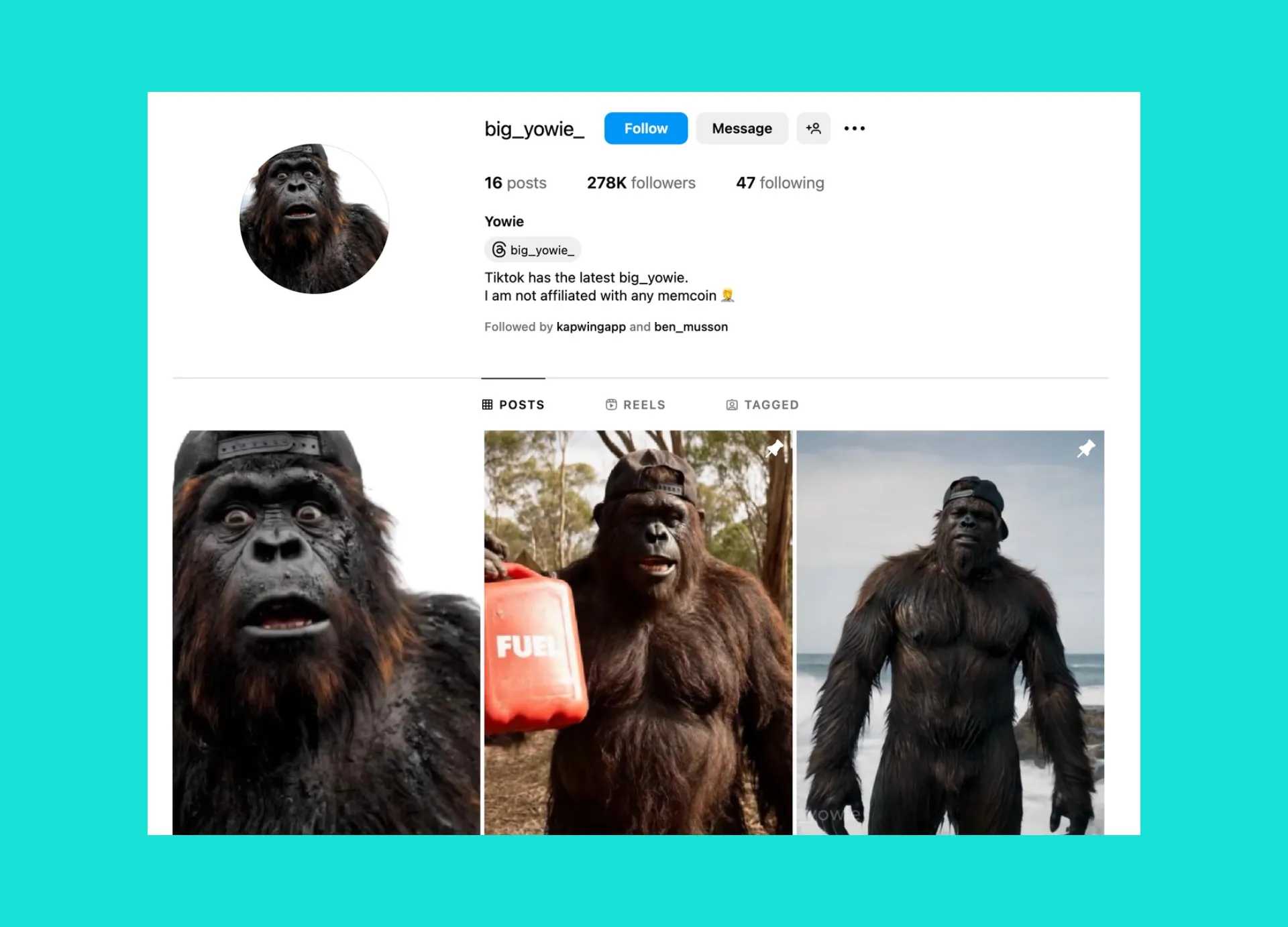
AI Influencers
Creators are building virtual influencers with millions of followers using Kapwing, crafting and editing unique digital personalities like the Bigfoot-themed character, Big Yowie

Educational Videos
It's easy for educators to convert lesson plans or essays into engaging video explainers, turning transcripts into visually rich, easy-to-follow videos with subtitles, B-roll, and AI Voice Over

Promo Videos
Marketers and product teams turn short briefs into studio‑grade promos, complete with music, transitions, lip‑synced narration, and branded visual styles

Advocacy & Awareness
AI Text to Video empowers activists, non-profits, and political figures to transform speeches, mission statements, and written messages into dynamic multimedia content
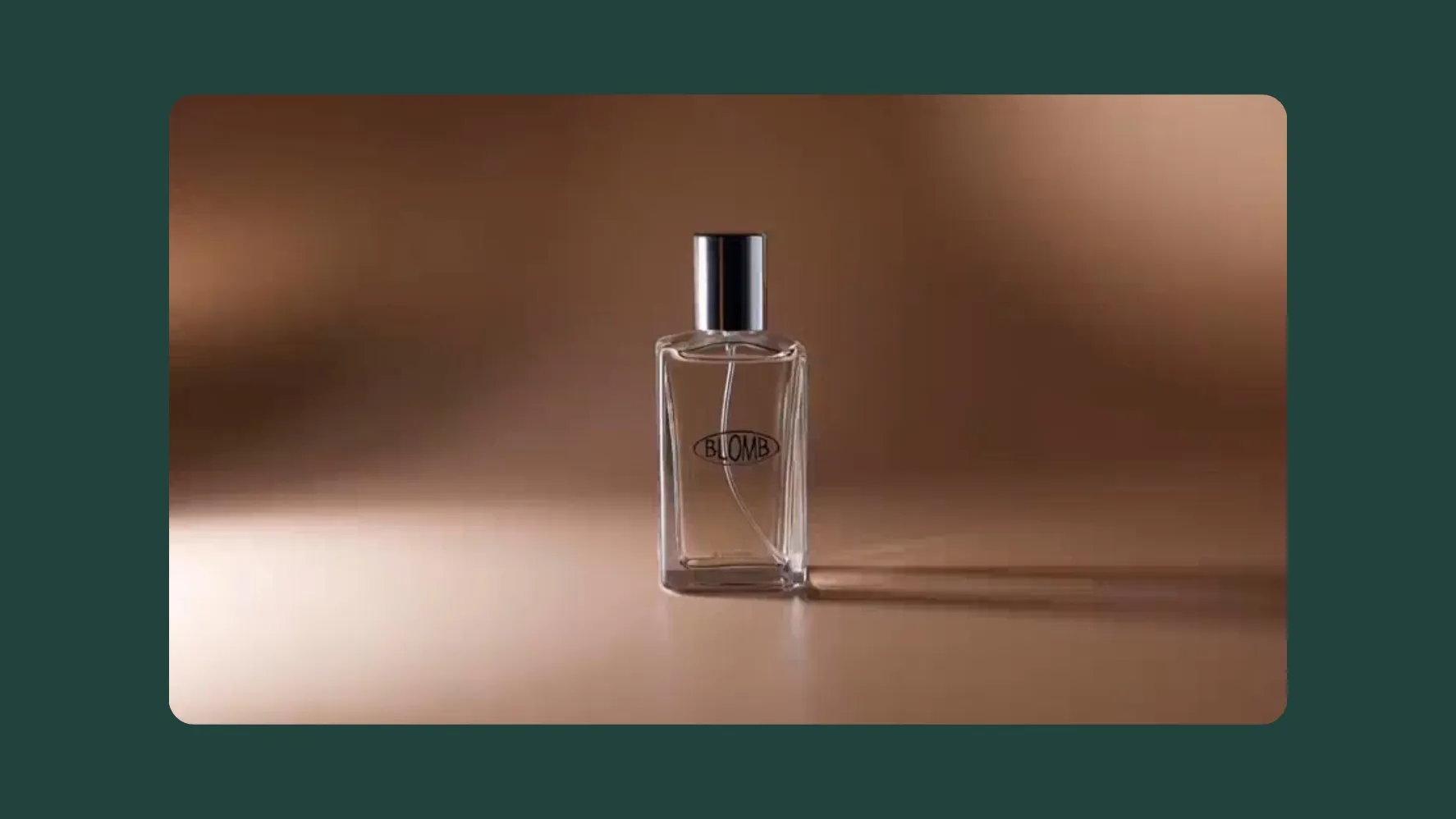
Advertisements
Turn a simple text prompt into an engaging short video or a fully produced 30-second ad — all at a fraction of the usual cost, with Kapwing's AI handling scripting and formatting

Employee Training
HR teams and small businesses turn instructions and policy docs into training videos, auto-generating text, visuals, and voice overs to communicate instructions clearly
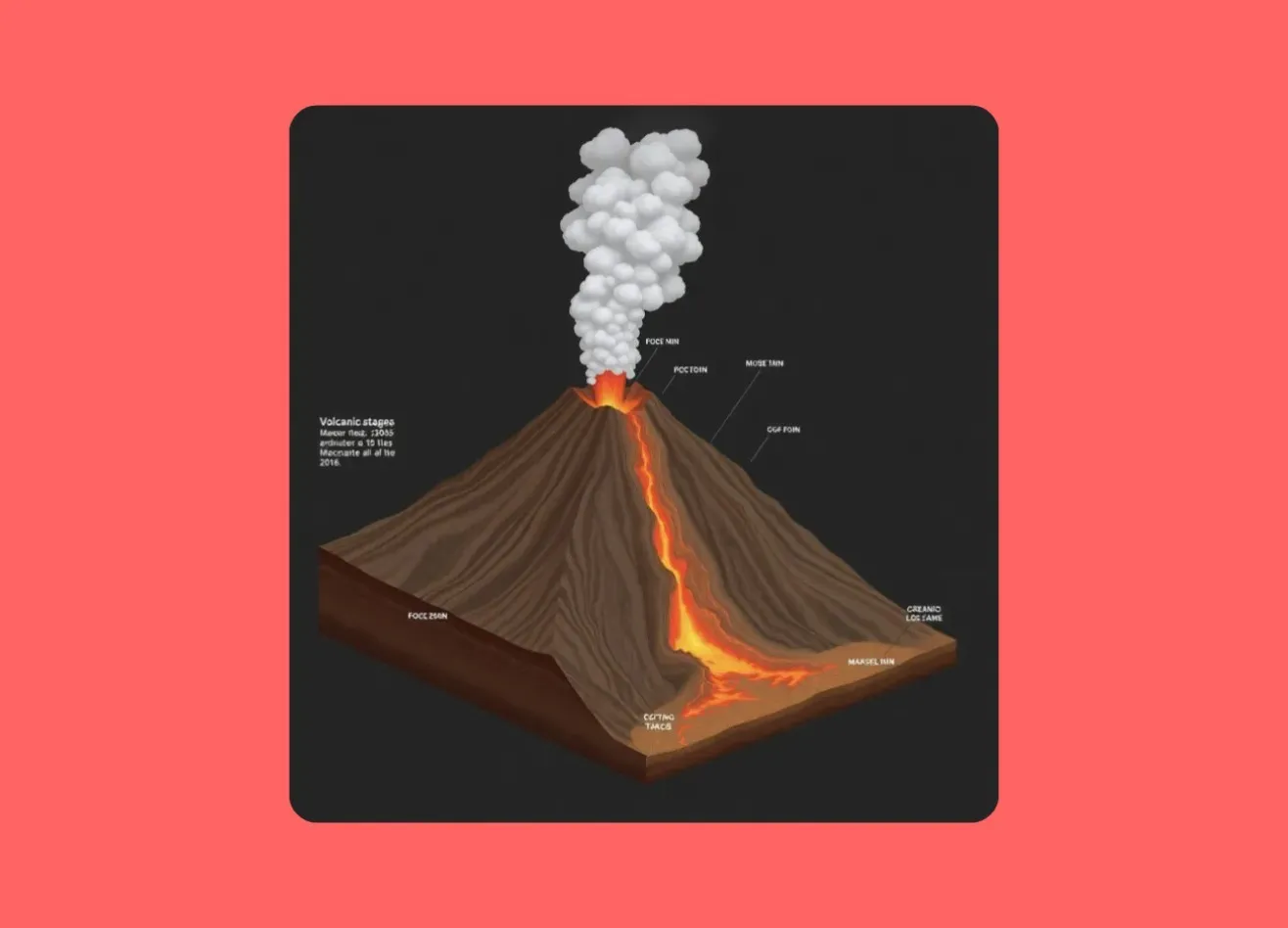
Explainer Videos
Educators and thought leaders convert detailed explanations, lesson outlines, and thought pieces into digestible, multimedia videos containing visuals, subtitles, and animated text

Ecommerce
Turn product copy into animated highlight reels with callouts, dynamic text, and branded visuals — great for email campaigns, digital storefronts, and in-app promos
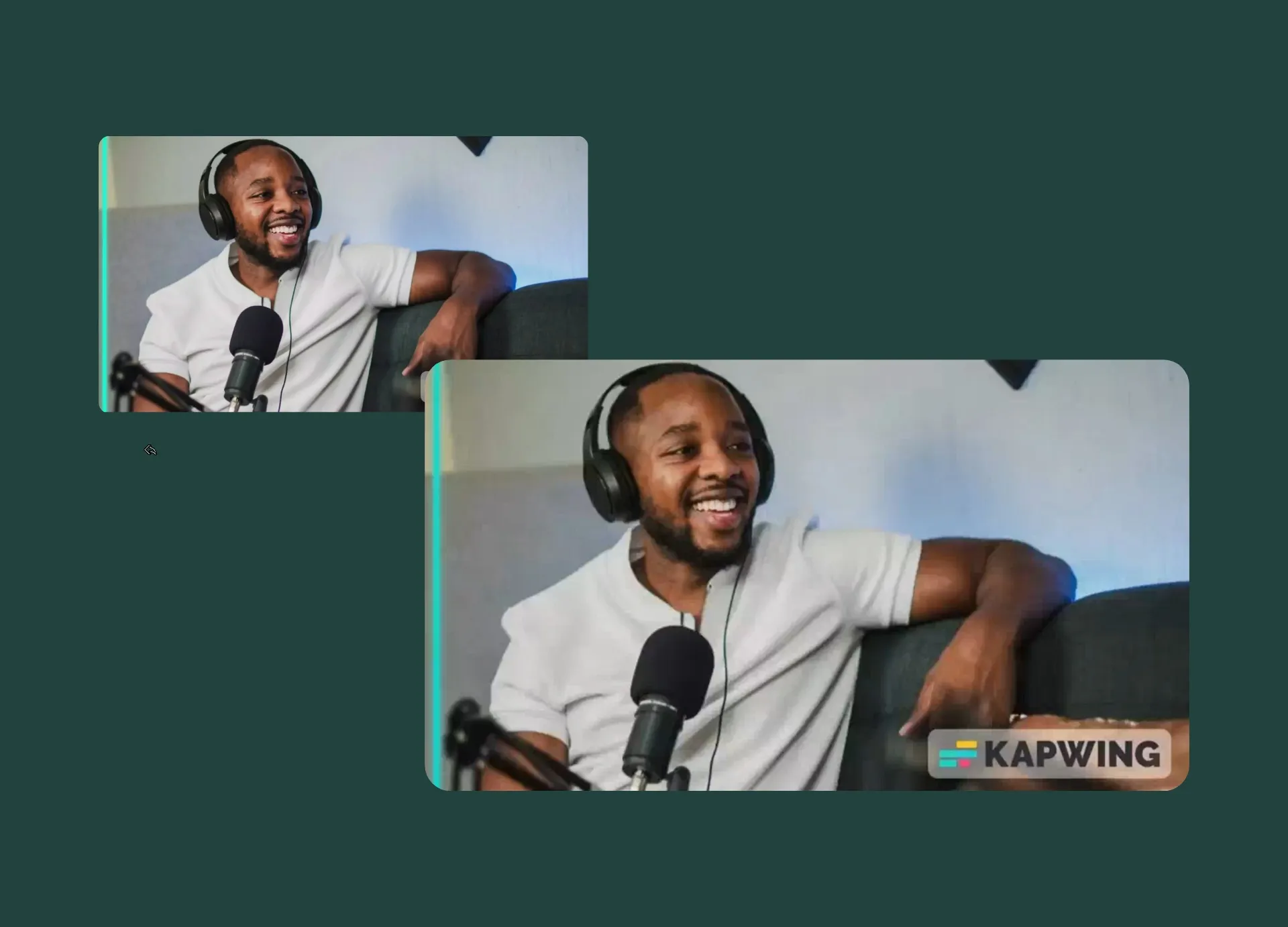
Podcast Clips
Podcasters transform episode outlines or quotes into polished promos and 12-second teaser clips — and it all starts with a simple text prompt
How to Convert Text to Video Using AI
- Open Kai
Start by opening Kapwing's AI Assistant, Kai.
- Add text and generate
Select the "Video Clips" tab to generate short videos from text prompts. Use the "Video Project" tab to create a fully-edited video package with B-roll, subtitles, and voice over.
- Edit and export
Once your video has loaded you can add custom edits or upload your own materials. Click "Export project" to download the final version.
High-quality results with custom branding built in
From first draft to final cut — no experience needed, complete creative control included
Professional-quality videos, no learning curve
No video editing experience? No problem. With just a few words, you can turn a simple idea into a polished full video. Kapwing’s B-roll Generator automatically finds and inserts relevant visuals, saving you time on uploads and cutting the cost of expensive stock libraries.
Our free, user-friendly tools make it easy to edit visuals and audio with precision. And with cloud-based access and real-time collaboration, teams, freelancers, and brand partners can work together from anywhere.

Capture brand tone with unlimited customizations
Once your video is generated, you retain full control, with access to thousands of editing features — from uploading media assets to applying custom aspect ratios optimized for platforms like Instagram, TikTok, YouTube, and more.

Turn ideas into content within seconds
Access a full suite of AI-powered tools
AI Article to Video
Turn any article, blog, or document into a video — even breaking news. Kapwing automatically pulls images from the URL, eliminating manual uploads and speeding up your workflow.
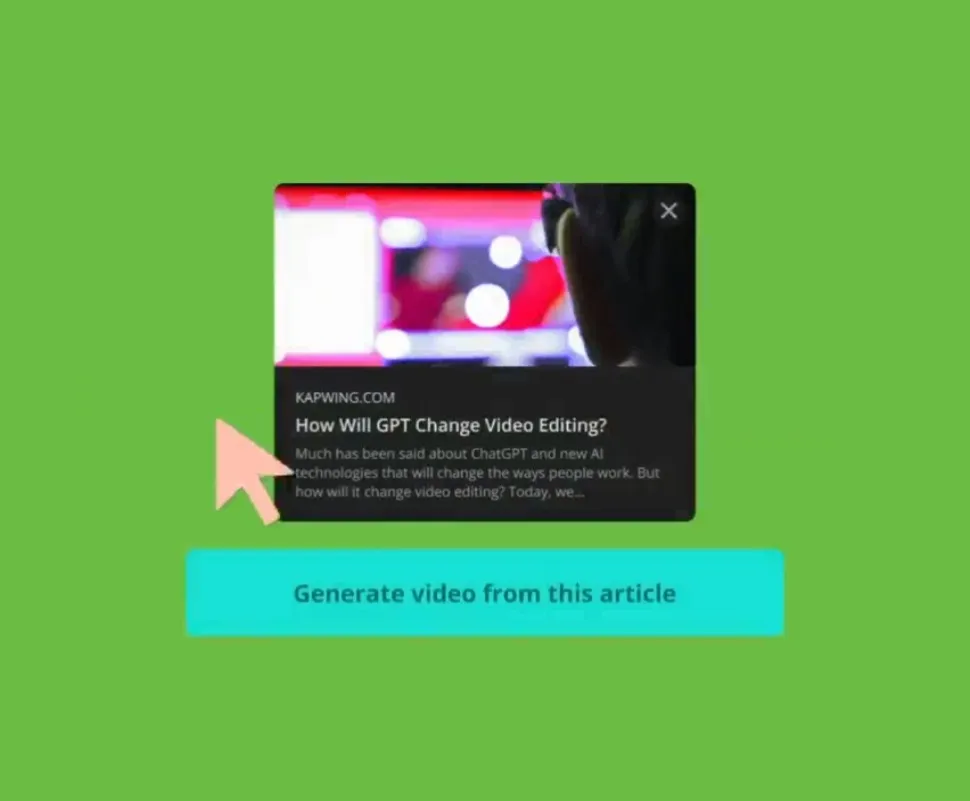
AI Article to Video
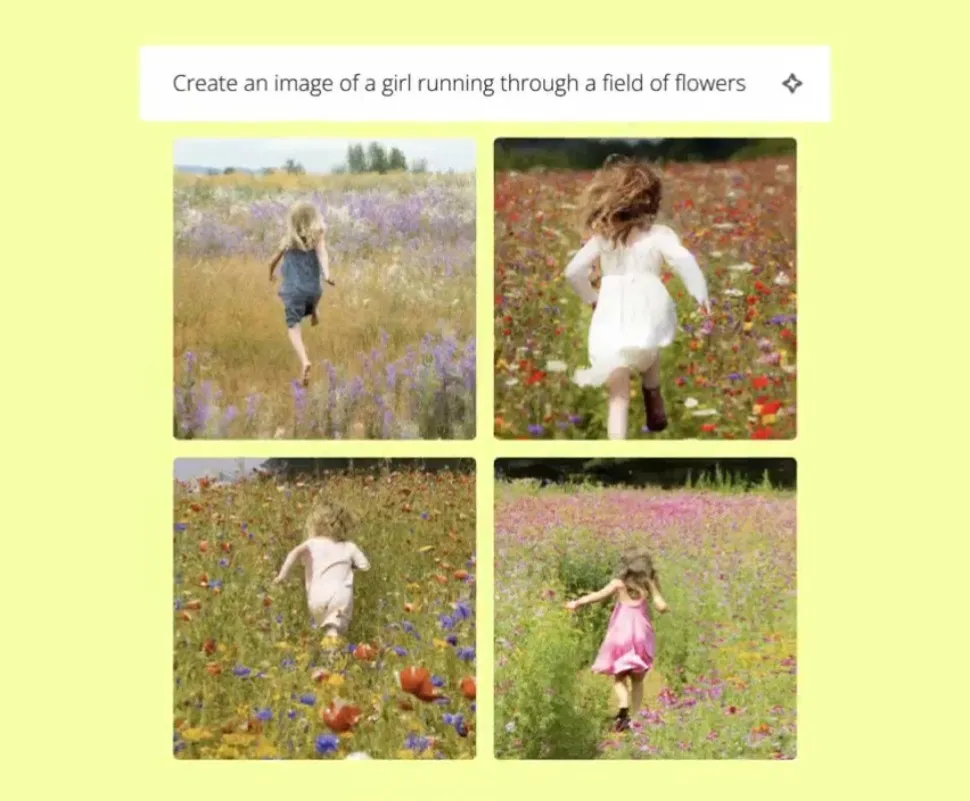
AI Image Generator
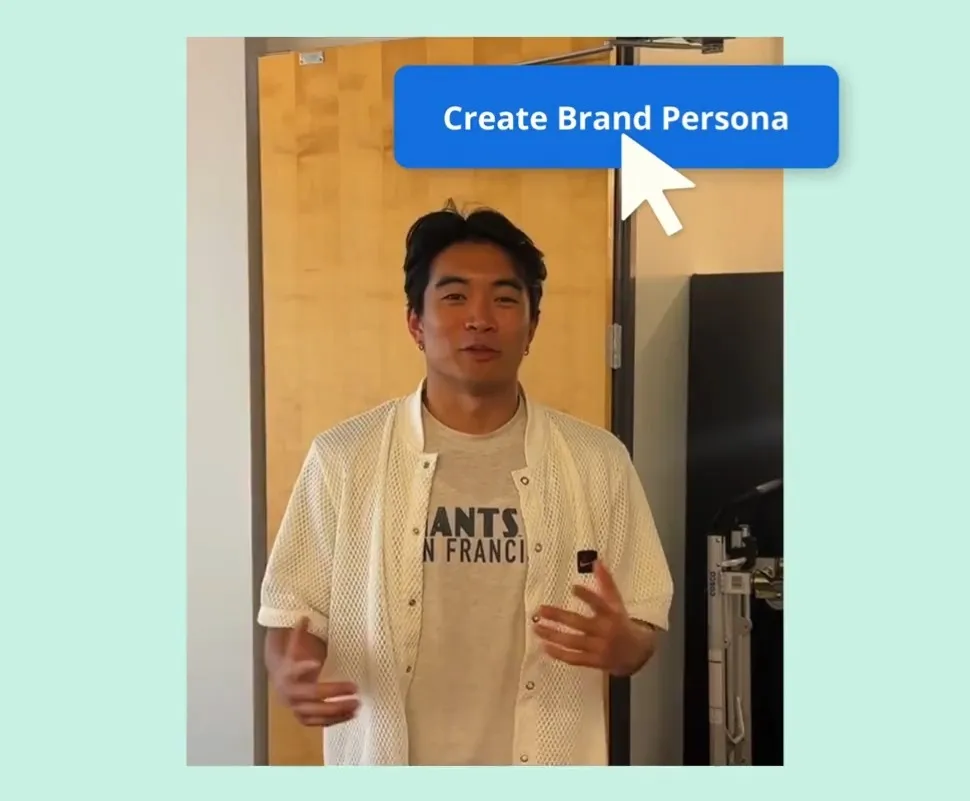
AI Personas
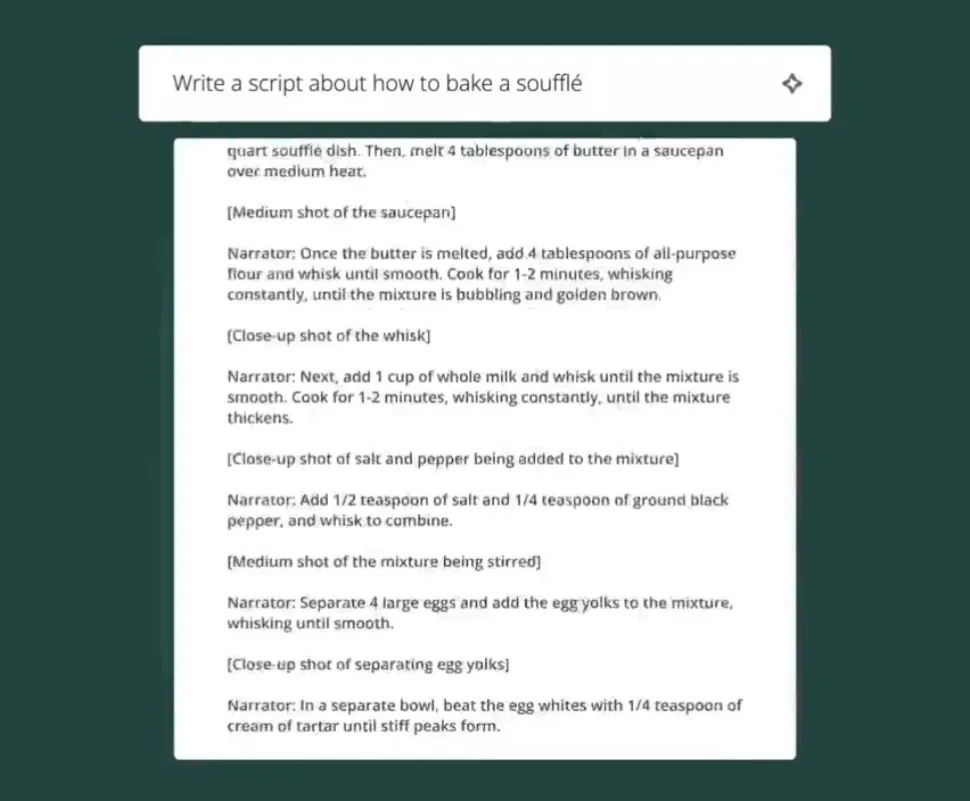
AI Script Generator
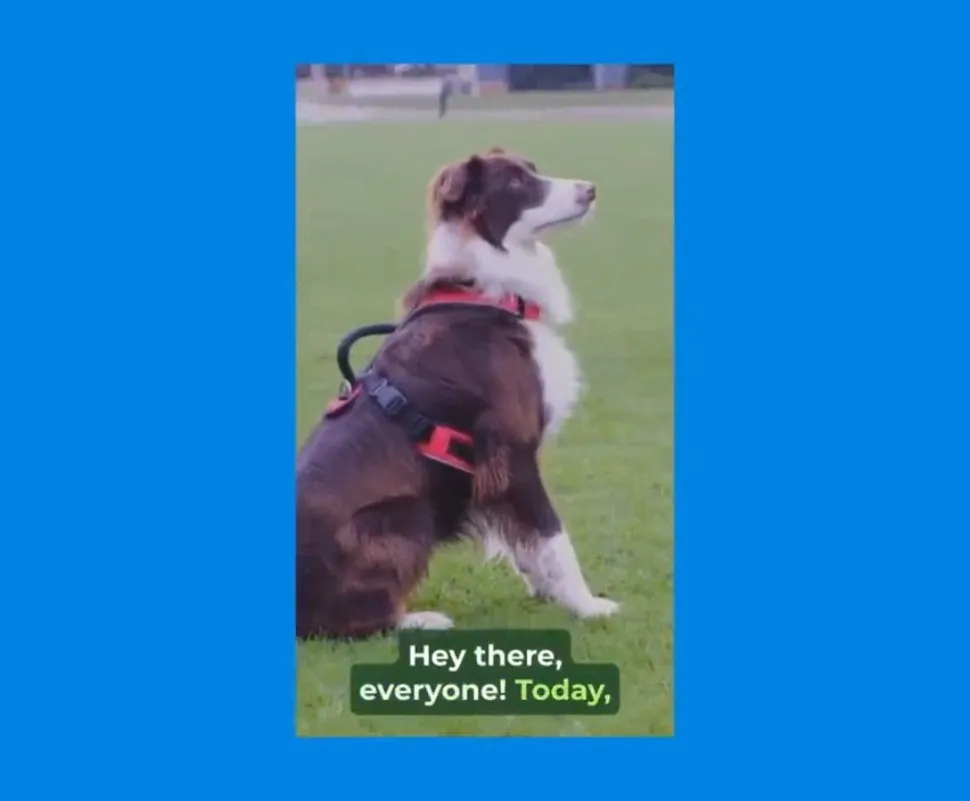
AI Script to Video
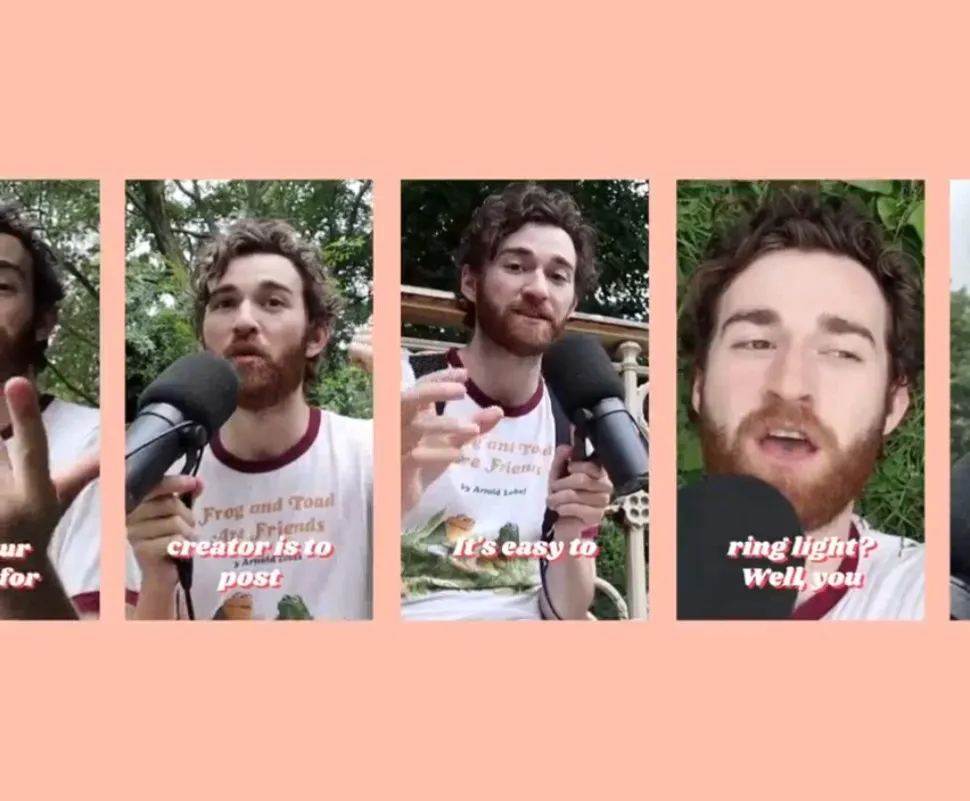
AI Clip Maker
.webp)
AI Image Editor
What's different about Kapwing?



Frequently Asked Questions

Is AI Text to Video free?
Yes, anyone can try Kapwing’s AI Assistant, Kai, for free, without a watermark. All our AI tools run on a credit system, with each feature costing a set number of credits. For maximum creativity and the best value, upgrade to a Pro account to unlock the full power of AI-driven content creation.
Can I edit AI-generated videos?
Yes, every AI-generated video made with Kapwing can be edited directly inside our online editor. Other text to video tools may generate a final video without the ability to change anything, which is why millions of users choose Kapwing each month.
Can I use Kai to create video clips and video projects?
Kapwing’s AI-powered Text to Video tool automatically converts written content into shareable videos — no editing experience required.
You can ask the AI Assistant, Kai, to generate both video clips and video projects:
- Video Clips (3–12 seconds): Instantly generate short-form videos from a text prompt or image — perfect for social posts, reactions, or visual storytelling. Example: A 3-second clip of a gorilla swinging from a tree.
- Full Video Projects: Turn scripts, articles, or prompts into fully edited videos with AI-generated voice overs, subtitles, transitions, music, and an optional AI presenter. Example: A video about Instagram monetization strategies.
Is AI Text to Video easy to use?
Yes, Kapwing’s AI Text to Video tool is designed for simplicity. Just describe the video you want to create, and Kapwing will automatically handle everything. Already have a script? Use the "Script to Video" option to turn your exact words into a fully edited video. Once generated, you can export your video immediately or fine-tune it with Kapwing’s intuitive, AI-powered editing tools.
Is there a limit to how much text I can upload?
Yes, Kapwing limits the amount of text characters you can upload to 1,000 characters. A 1,000-character script produces a video that lasts between 1-2 minutes depending on speaking pace. However, you can create a video up to 5 minutes long using Kapwing's prompts.
Can I turn text from articles or blogs into videos?
Yes, Kapwing’s AI Text to Video tool supports full article and blog-to-video conversion. You can either paste the link to a published article directly, or copy and paste the full text if you're working with an unpublished draft. The tool will automatically analyze the content, extract key points, and generate a video complete with visuals, music, and subtitles.
What models or AI technologies does Kapwing use?
Kapwing uses a selection of cutting-edge AI video models to power today’s most viral and creative video trends.This includes VEO, Sora, MiniMax, Seedance, Pika, Seedream, Lightricks, and Seededit — giving you access to the same technologies behind the internet’s most engaging content.
Does Kapwing support image-to-video?
Yes, Kapwing supports image-to-video creation. You can start with an image, text prompt, script, or article to instantly generate dynamic video content.
What models work best for AI Text to Video?
We recommend using MiniMax or Seedance Pro for the best text-to-video results.
What aspect ratios, file sizes, and display resolutions are supported?
Kapwing's AI studio works with all popular file types for video including MP4, AVI, MOV, WebM, and more.
- Aspect ratios in: 1:1, 9:16, 16:9, 4:5, 5:4, 3:4, 4:3, 2:3, and 21:9.
- Resolution support: 480p, 512p, 768p, 720p, and 1080p.
How do I create a video with multiple scenes?
To create a video with multiple scenes, select the "Seedance" model under "Video Clips." Then, include the phrase ‘the camera switches’ in your prompt to signal a scene change.
Can I create videos longer than 12 seconds?
To create a video that maintains the same narrative and visual structure from a short clip you’ve already made, follow these steps:
- Right-click on your video where it ends and select “Freeze Frame.”
- Upload the freeze frame to the “Video Clips” section as a reference.
- Enter your AI prompt and generate the next part of your video.
- Add the new clip to your project.
You can repeat this process as many times as needed to build one cohesive narrative.
What are Custom Kais?
Custom Kais are pre-built AI image and video effects in Kapwing. Our team has created hundreds of them so you can instantly produce eye-catching content — no prompt writing required. Just apply a Custom Kai and the style is handled for you.
You can also create your own Custom Kai to capture your brand’s unique look and reuse it anytime for consistent, on-brand content with one click. This makes the process of generating videos in identical styles a seamless, automated process.

Kapwing is free to use for teams of any size. We also offer paid plans with additional features, storage, and support.